Open Science v0.25.1
This documentation was verified against the stable v0.25.1 release, source commit b3d37e29cc14433c18f9cd3807dc00a556d23a34. It is a catch-up from the Wiki's previous v0.14.0 baseline. The release is a maintenance update; the sections below also cover the user-facing workflows introduced between those versions.
What changed in v0.25.1
- Protected notebook kernels use the direct sandbox launch path on Windows. Network protection still requires the one-time administrator setup shown by the app.
- File and package exports publish atomically. A failed export should not leave a partially written destination file; retry to a writable destination with enough free space.
- Generated image previews render again. If an image still shows a placeholder, wait for artifact publication, reopen the preview, and use Download as a fallback.
- Skills detects and repairs catalog inconsistencies. Follow any source-recovery guidance before replacing an interrupted Specialist package.
- Session concurrency, artifact-finalization recovery, PDF reading identity, Claude usage recovery, and interrupted cleanup are more resilient. These fixes preserve records; they do not make an unverified result scientifically valid.
Session, input, and navigation workflows
Queue, steer, and branch work
While a turn is running, type a follow-up and add it to the session queue. Queue rows can be edited, deleted, reordered, or sent immediately. Send now uses the active framework's follow-up channel and does not cancel the running turn. Queued drafts are temporary and can be lost when the app restarts, so keep important instructions elsewhere until sent.
Use Branch in new session on a completed assistant response to continue from that exact point. A branch copies the conversation and activity history through the selected response but does not send a prompt. Configuration-change dividers identify later framework, model, or reasoning-effort changes.
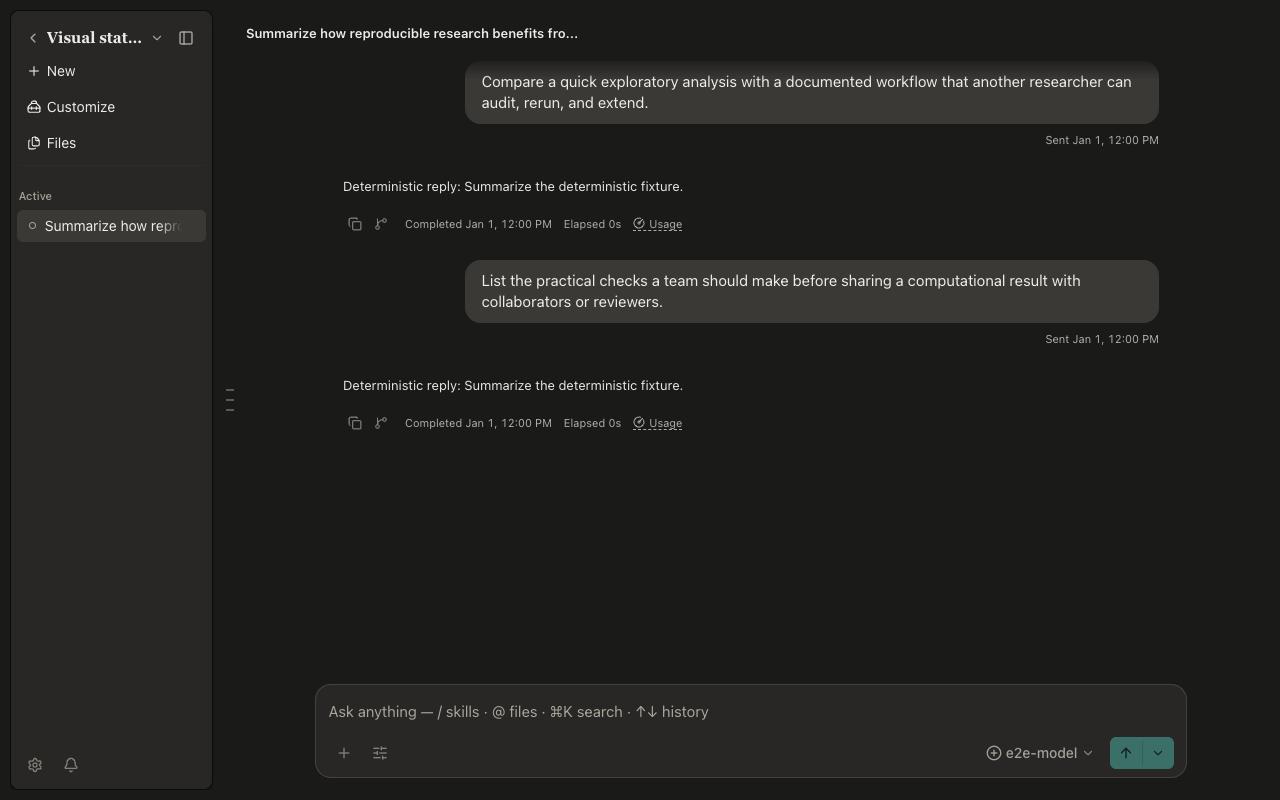
On desktop, the run-marks rail represents visible user prompts. Hover or focus a mark for a preview and select it to jump. Standard Undo restores an archived session or draft change where offered; Cmd/Ctrl+Shift+Z redoes the most recent composer draft change.
Reference sessions and large inputs
- Type
#and choose a session to attach read-only visible transcript context for one turn. The resulting chip navigates to the referenced session. A reference does not grant access to another project. - Plain-text pastes over 10,000 characters or 300 lines become managed attachments.
Show in text fieldrestores the exact text and caret. Review the attachment card before sending. - Select transcript, activity, or preview text—or a point in an image—and send the annotation as context. Annotations persist with their source and can be revealed later.
- Session titles and descriptions are generated from the first message when the configured model can do so. Edit them from the session controls; manual edits supersede generation.
Files, papers, and editable artifacts
Read PDFs with the agent
Open a PDF preview and link it to the current session as reading context. Up to three PDFs can be linked. The agent can inspect the current page, page through a document, or search linked papers. Text and rectangular selections become evidence annotations; selecting the evidence later reveals its source region.
Only link papers that may be sent to the selected model. PDF context is read-only and version-bound, but external providers can still receive extracted content. Unlink a document when it should no longer be available to later turns.
Edit and compare text artifacts
For Markdown, plain text, scripts, and recognized source-code artifacts or uploads:
- Open the file preview and choose
Editfrom File actions. - Edit the raw source and save.
- Wait for the new managed version to publish, then use
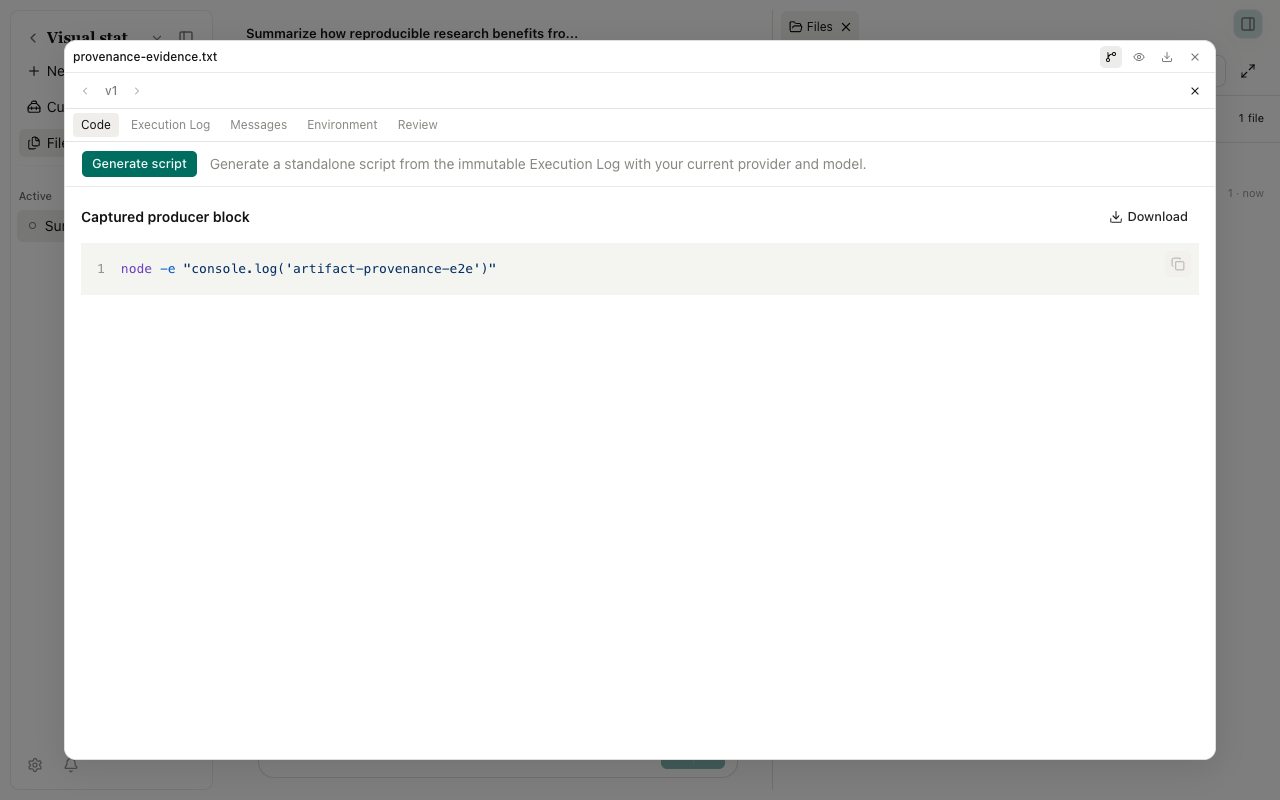
Compareto inspect it against its predecessor. - Navigate with Previous/Next version and inspect Provenance before citing the result.
Each save creates a new version; it does not rewrite prior evidence. Binary documents, images, notebooks, and other unsupported formats remain read-only. A revision conflict preserves the competing version—reload and compare instead of overwriting blindly.
Agent-response HTTPS sources open in a sandboxed side preview. Check the displayed URL before opening externally. Preview isolation reduces risk but does not make an unknown site trustworthy.
Notebook and compute controls
Variablesshows the running Python or R namespace with names, types, shapes, and bounded previews. It is read-only, refreshes after execution, and does not start a kernel merely for browsing. The terminal suggests live variable names; private names stay hidden unless requested.- Cross-run dependency analysis marks earlier outputs
stale,clear, orunknownafter later variable changes. Treatunknownas needing a rerun. - Settings → Network manages the domain allowlist for Notebook and compute runtimes. A blocked destination asks for
Deny,Allow once, orAlways allow. One-time approval applies to the exact command. The boundary covers app runtimes, not unrelated system processes. - Each session has enabled compute hosts and selected execution targets. Use the Composer compute control to choose configured hosts. Password authentication is stored through the operating system credential service; prefer SSH keys or an agent where practical.
- Settings → Runtimes can reinstall a healthy app-managed Python or R runtime after draining kernels. External interpreters are never repaired by that action. The agent-created-environments switch does not block explicit setup or reinstall.
Capabilities and account settings
- Settings now contains 17 panels, including Memory, Tags, Credentials, and Usage. Memory is opt-in and project-scoped; inspect, correct, or delete entries rather than storing secrets.
- Tags organize Skills, Connectors, and Specialists across catalogs. Favorites is protected and remains first; other tags can be reordered.
- Credentials stores device-wide keys, access tokens, and OAuth sign-ins. Custom Connectors bind named credentials to environment variables or headers without copying plaintext into portable exports.
- Connector import/export supports standard
mcpServersJSON. Exported secrets and headers become${NAME}placeholders. Pre-registered OAuth clients accept a client ID and write-only client secret; changing the issuer or client ID invalidates the binding. - The Specialist Marketplace verifies signed packages. Marketplace content is read-only; updates must advance SemVer against the installed baseline. Review package source, included Skills, and Connectors before installation.
- Model settings include scenario policies for main, subagent, reviewer, vision, and session-details work. CodeBuddy is available alongside Claude Code, OpenCode, and Codex. Provider catalogs include xAI subscription, Tencent plans, OpenCode Go/Zen, and NVIDIA Build; availability in the installed picker is authoritative.
- The Usage panel separates turns and model calls when providers report them, and attributes auxiliary calls such as delegation, side chat, compaction, and session-detail generation. Missing provider telemetry is shown as incomplete coverage, not estimated usage.
Stable release catch-up history
| Stable release | Main user-visible change |
|---|---|
| v0.14.1 | Global proxy modes, update reminders, first-message navigation |
| v0.15.0 | Chinese UI, reviewer model policy, cross-drive browsing, save-as-skill |
| v0.15.1 | Run marks and bounded notebook/compute results |
| v0.16.0 | Usage dashboard, message queue, response branching, View in context |
| v0.17.0 | Signed Specialist Marketplace, vision relay, context composition |
| v0.18.0 | Cross-resource tags, skill redesign, SSH passwords, Korean UI |
| v0.18.1 | Session compute targets, richer notifications, French UI |
| v0.18.2 | Selective conversation export, OAuth client secrets, Russian UI |
| v0.19.0 | xAI subscription, stale notebook tracking, Send now, artifact previews |
| v0.20.0 | Session references, large-paste attachments, live side-chat advice |
| v0.20.1 | Editable session details, per-call usage, MCP configuration transfer |
| v0.20.2 | Source previews, live Variables, hover previews, Spanish UI |
| v0.21.0 | CodeBuddy, annotations, configuration markers |
| v0.22.0 | Project memory, centralized credentials, figure helpers |
| v0.23.0 | PDF reading context and evidence, variable suggestions |
| v0.24.0 | Project switcher, Notebook network sandbox, shared credentials, German UI |
| v0.25.0 | Editable artifacts, NVIDIA Build, runtime repair, delegation control |
| v0.25.1 | Atomic exports, restored image previews, recovery fixes |
Verification limits
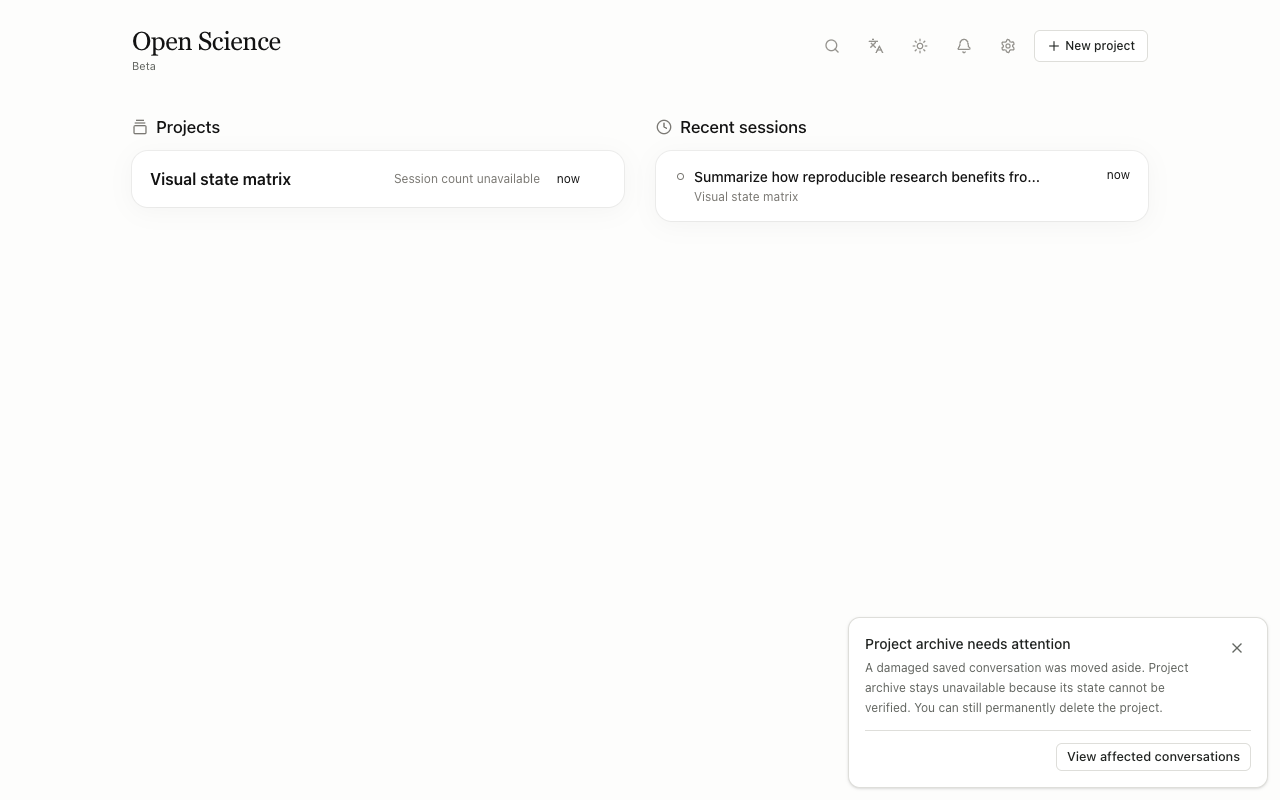
The exact v0.25.1 source installed, type-checked, and produced both Electron and Web production builds. Real Electron tests passed for desktop and mobile project switching. Visual checks ran with the repository's isolated E2E data and deterministic agent; no personal credentials or research data were used. The full visual suite assumes an English operating-system locale, so English-label cases that opened before the fixture pinned English were not usable on the Simplified Chinese test host. Windows-only sandbox setup, SSH password hosts, paid providers, OAuth accounts, and live marketplace services were verified from implementation and tests but not exercised with external credentials or hardware.