Open Science
Open Science is AIPOCH's open-source AI workspace for scientific research. It keeps agent conversations, project files, Python and R notebooks, scientific file previews, execution records, and artifact provenance in one local-first desktop app. This Wiki covers Open Science v0.14.0. Its contents come from the latest main branch of aipoch/open-science, renderer tests, and hands-on runs in an isolated local environment.
What you can do
| Task | Open Science feature |
|---|---|
| Start a study | Create a project with a description and Agent Context; choose the model, reasoning effort, specialist, and permission mode |
| Organize source material | Upload or reference project files, search files, and switch between grid, list, and split views |
| Run an analysis | Let the agent call shell tools, Python or R notebooks, Skills, Connectors, and remote compute |
| Inspect results | Preview code, CSV, Markdown, JSON, PDF, Office files, images, molecules, PDB structures, FASTA files, and more |
| Reproduce and audit | Review the Session Notebook, artifact versions, Code, Execution Log, Messages, Environment, and Review evidence |
| Control risk | Allow or deny individual requests, choose Ask, Auto-approve edits, or Full access, and set policies per tool |
| Work remotely | Turn on Remote control and open the running desktop app through a protected local web address |
Suggested reading order
- Install and run: download the desktop app or run it from source.
- First-time setup: configure the environment, agent, model, notebook runtimes, and data location.
- Your first project: create a project and send the first request.
- Conversation and composer: learn prompts, attachments, models, and permission controls.
- Notebook and provenance: verify how a research result was produced.
- Settings: configure all 13 settings panels.
- Control index: find every button, input, and switch by page.
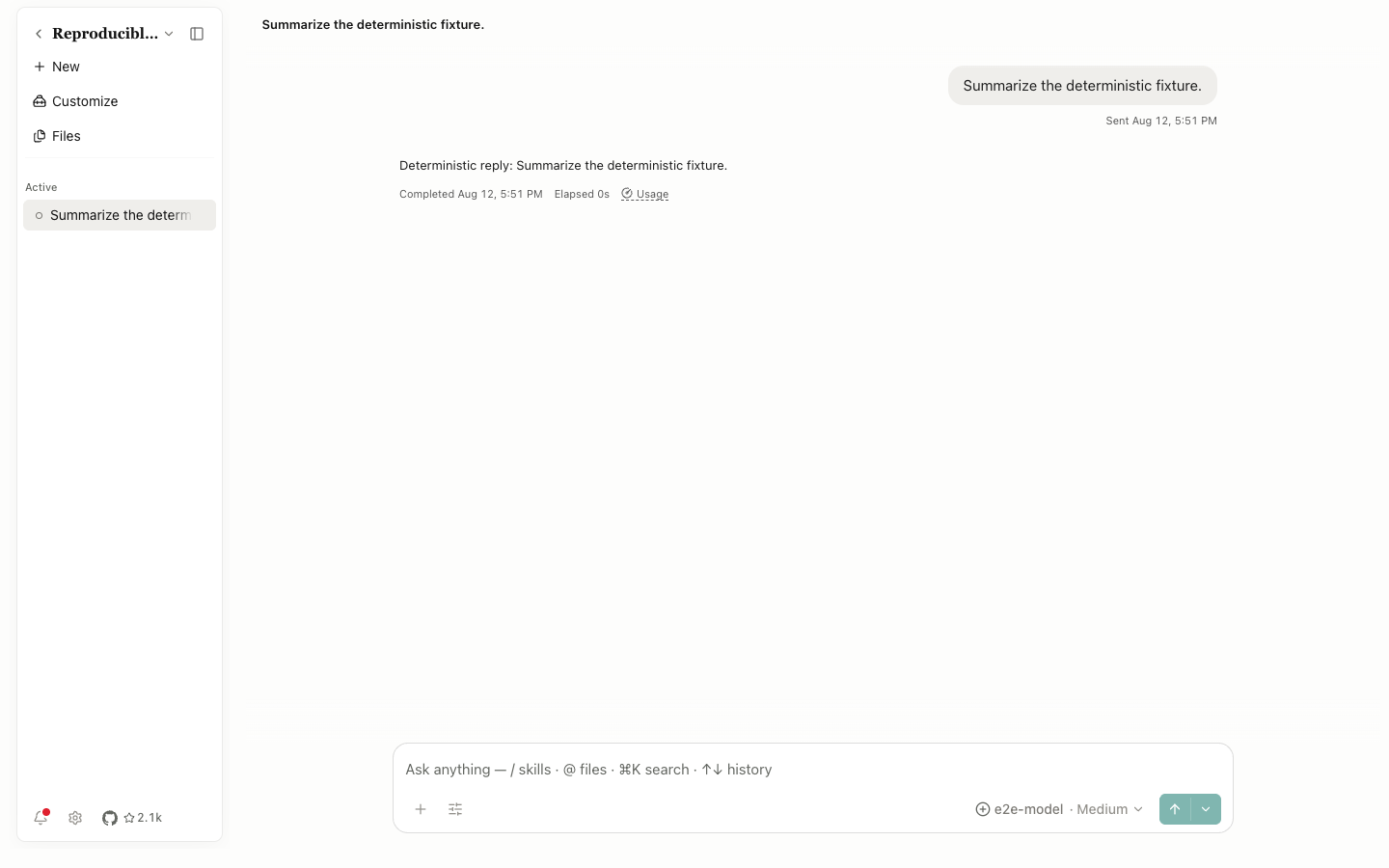
The screenshots use an isolated local data directory. The UI, IPC layer, SQLite database, files, notebooks, and permission flow all ran normally. To avoid personal API keys and model charges, the example responses came from the repository's deterministic E2E agent fixture. The screenshots therefore reproduce the interface state, but the sample answers don't represent the output of a production model.
Version and scope
- Application repository:
aipoch/open-science; documented version:v0.14.0. - Wiki repository:
aipoch/openscience-wiki; Docusaurus builds the sidebar from the document tree. - Control names stay mostly the same on macOS, Windows, and Linux. System file pickers, tray behavior, and close-window behavior vary by platform.
- The Wiki explains confirmations for high-impact actions such as deleting a project, removing a session, uninstalling a runtime, moving the data directory, or saving an API key. It never performs those actions against a user's real data.