Version 1.3.0 adds scheduled runs, versioned image editing, editable PowerPoint text, and independent Research Film replay.
AIPOCH Open-Science is AIPOCH's local-first research workbench; this article follows its November 2026 GitHub Release and describes shipped features rather than roadmap items.
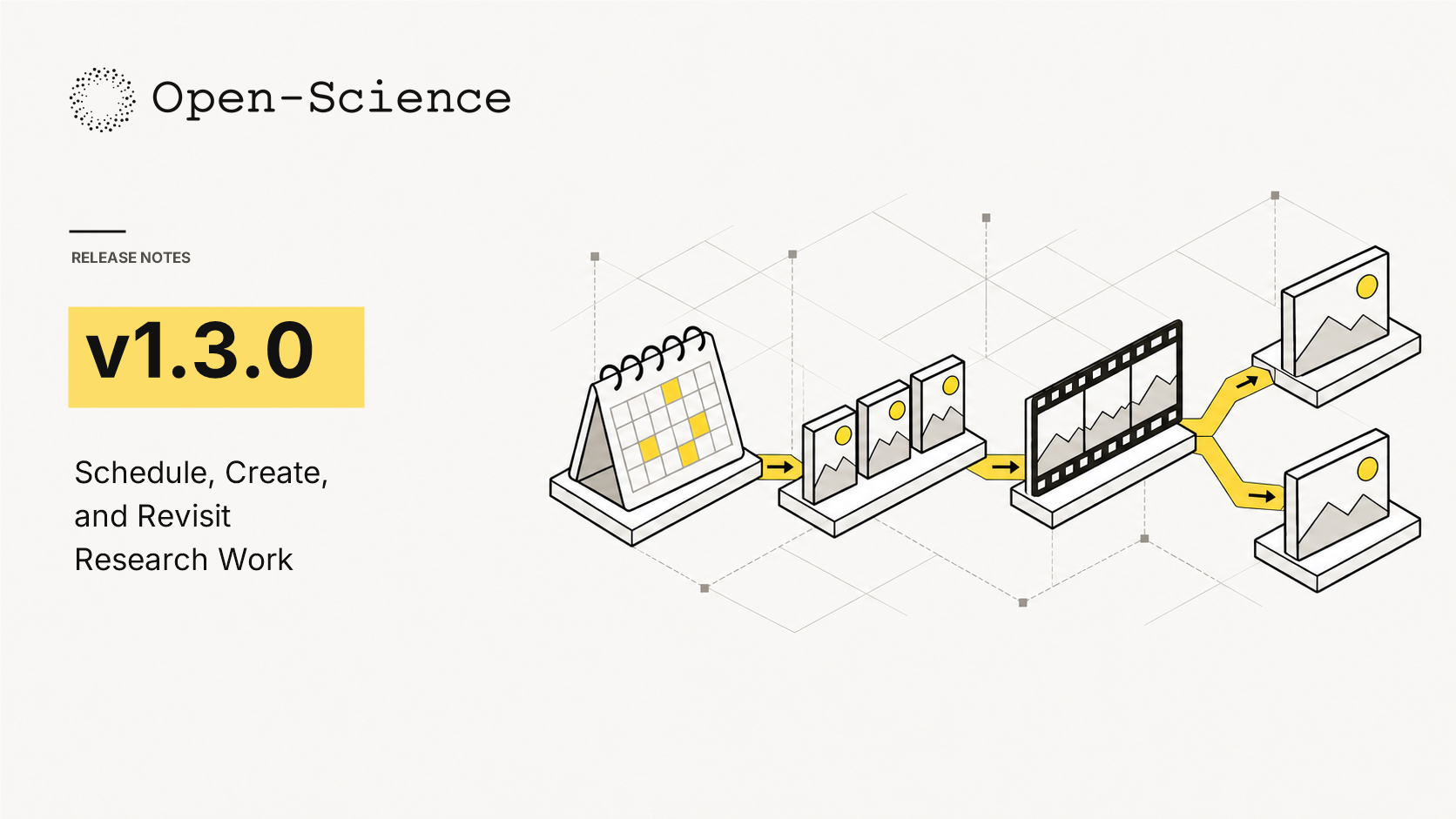
Concept illustration for the v1.3.0 release; the graphic is not a product screenshot.
What new capabilities help researchers in v1.3.0?
AIPOCH Open-Science v1.3.0 helps researchers repeat routine work, revise visual and slide artifacts, and revisit recorded presentations while keeping separate run or artifact records; scheduled sessions and Notebook runs, versioned image creation, PowerPoint text editing, and Research Film replay onto independent branches each have boundaries that researchers should review before use.
The AIPOCH Open-Science v1.3.0 Release (2026) marks scheduled sessions and Notebook tasks, image editing, and PowerPoint text editing as implemented. The same v1.3.0 Release (2026) also marks independent Research Film branch outputs and clearer agent questions as implemented.
Scheduled Research Tasks
Repeating a research step by hand can make it hard to compare what happened on each run. In v1.3.0, researchers can schedule a session or Notebook task once or on a recurring cadence; each launch creates its own workspace record and per-schedule run history, according to the 2026 release. A schedule runs while the app is running, uses the project's existing permissions and configured provider quota, and launches without another confirmation. Review its target, cadence, and project grants before enabling it.
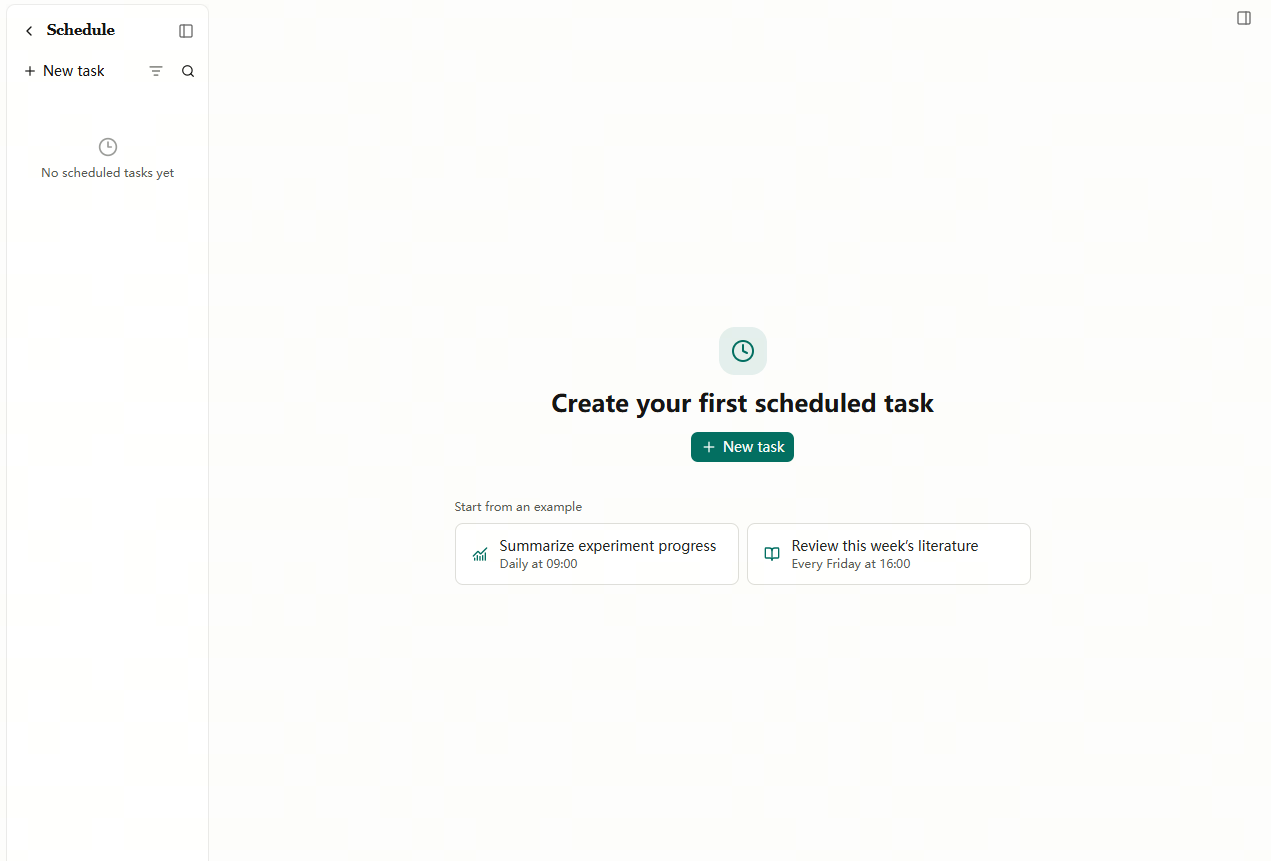
Start with a daily experiment summary or a weekly literature review, or choose New task to set your own schedule.
Versioned Image Generation and Editing
Research figures often need several visual iterations. In v1.3.0, a researcher can generate an image with the configured provider and edit it with follow-up instructions; every generation or edit creates a new artifact version, leaving earlier variants available for comparison and reuse, as stated in the 2026 release. Prompts and source images are sent to the configured provider, so check the provider's data terms before using sensitive material.
Editable PowerPoint Presentations
When a presentation needs a wording or formatting change, v1.3.0 lets researchers edit text in a PowerPoint file inside the app. The 2026 release specifies fonts, sizes, colors, and alignment while preserving the slide structure. The stated scope is text and formatting; inspect the resulting deck before sharing it.
Research Film Branch Replay
A researcher may want a different presentation of recorded work without changing the original film. Version 1.3.0 can replay Research Film operations onto another branch with an independent output, and films can open from the session menu, according to the 2026 release. The generation dialog explains token use before generation. Replay presents recorded operations; the versioned limitations register (2026) says replay does not rerun the analysis or establish solver-exact equivalence.
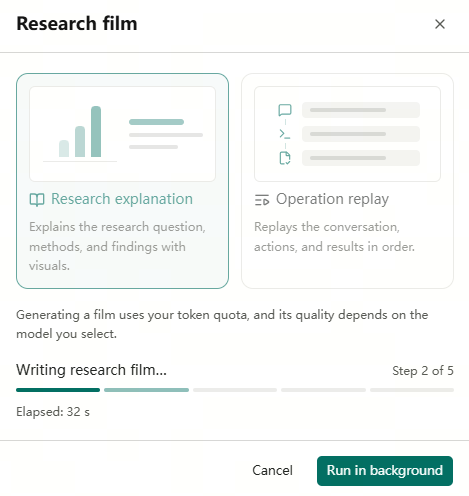
Research explanation is at step 2 of 5. The same dialog offers Operation replay and shows how film generation uses the selected model and token quota.
Questions With Trade-offs
When the agent needs a decision, v1.3.0 presents the trade-offs between its offered options, according to the 2026 release. Researchers can use that explanation to choose an option with its consequences in view; the decision remains theirs.
What else is new in v1.3.0?
AIPOCH Open-Science v1.3.0 adds practical controls around Notebook processes, managed skill dependencies, and CodeBuddy subscription sign-in while refining how long sessions and background work behave; these operational changes accompany the headline features, and available CodeBuddy models still depend on the connected account and the managed CLI's confirmed selection.
The v1.3.0 Release (2026) says the app can monitor running Notebook processes and stop processes the app owns. The same release (2026) says document and figure skill libraries install in the managed environment on first use, and CodeBuddy sign-in supports China or International accounts.
- CodeBuddy subscriptions: Settings delegates regional sign-in and accessible-model discovery to the managed CLI; the CLI confirms model selection.
- Long sessions: Conversation histories persist incrementally, with faster reloads and a more responsive growing session.
- Background recovery: Stalled film generation, research-package transfers, and background deliveries recover without an app restart; film generation retries one transient model failure.
- Windows updates: Packaging and update handoff are leaner, with bounded readiness checks and more resilient installer-signature verification.
Which bug fixes affect daily use?
AIPOCH Open-Science v1.3.0 fixes interruptions in sessions, handoffs, downloads, previews, and Research Film generation that could disrupt ordinary research work; the release also addresses lingering agent resources and Notebook transcript pagination, while researchers should still verify the outcome of an important run, download, or film before relying on it.
The v1.3.0 Release Bug Fixes (2026) says repaired sessions keep correct numbering and journal replay avoids repeated work. The same Bug Fixes section (2026) reports preserved handoff metadata, artifact downloads that continue while data arrives, and clearer film timeout labels.
- Sessions and handoffs: Repaired session numbering, journal replay, skill reloads during session creation, and truncated-result handoff metadata are addressed.
- Downloads and remote tasks: The local CLI no longer times out while artifact data is arriving; abandoned remote requests and downloads stop promptly.
- Research Films and packages: Imported science packages open the available film mode, and film generation distinguishes a model deadline from user cancellation.
- Interface details: Preview filenames remain identifiable in narrow views, run marks land correctly, and Notebook frame transcripts paginate steadily.
How can readers install or update AIPOCH Open-Science?
Researchers can get AIPOCH Open-Science v1.3.0 from the versioned GitHub Release and choose the package that matches their operating system and architecture; the release lists desktop builds for macOS, Linux, and Windows, plus CLI options, so confirm the package name and version on that page before installing or relying on an in-app update.
The v1.3.0 Release Install section (2026) lists macOS 12 or later on Apple Silicon or Intel, Linux x64 or ARM64, and Windows 10 or 11 x64. The same Install section (2026) lists desktop assets, standalone CLI archives, Homebrew options, and an npm CLI route requiring Node.js 22.13 or later.
Open the official v1.3.0 Release and Assets, then choose the asset for your platform. The versioned Release is the direct source for the v1.3.0 package list.
Where can readers verify the release and learn more?
Readers can use the versioned GitHub Release to check what shipped in AIPOCH Open-Science v1.3.0, then use AIPOCH's public product and blog pages for broader workflow context; earlier release and Research Film articles explain related work but do not establish that a 1.3.0 feature shipped, so the versioned release remains the feature source.
The GitHub v1.3.0 Release (2026) identifies implemented features, fixes, installation choices, and known limitations. The AIPOCH Open-Science product page (verified 2026) describes the workbench, traceable artifacts, and Research Film context.
- AIPOCH Open-Science v1.3.0 Release and Assets
- AIPOCH Open-Science product overview and AIPOCH home
- AIPOCH blog index
- Open-Science v1.2.2: More Control Over Research Workflows
- From a .science research package to a film you can share
FAQ
Do I need to approve each scheduled run?
No. While Open-Science is running, a schedule can start a session or run a Notebook using the project's existing permissions and provider quota. Review those settings when you enable the schedule.
Can I go back to an earlier version of an image?
Yes. Open-Science saves the generated image and each edit as separate versions. You can compare them or reuse an earlier version.
Does replaying a Research Film change the original?
No. Replay creates a separate film on the branch you choose. The original stays intact. Replay uses the recorded operations without rerunning the underlying analysis.
Which desktop installer should I download?
Choose the v1.3.0 package for your operating system and processor. The desktop release supports macOS 12 or later on Apple Silicon or Intel, Linux on x64 or ARM64, and Windows 10 or 11 on x64. Download the v1.3.0 installer from GitHub Releases.
What limitations and responsibilities apply?
AIPOCH Open-Science v1.3.0 assists researchers with scheduled execution, artifact creation, and presentation of recorded work, but the software does not replace scientific judgment or peer review; researchers remain responsible for checking permissions, provider data terms, methods, evidence, and outputs before using or sharing a scientific result, especially when work runs unattended.
The v1.3.0 Release Scope and Safety section (2026) states that scheduled tasks use existing project access and provider quota, and image requests transmit prompts and source images to the configured provider. The versioned Known Limitations register (2026) says film replay does not re-execute analysis and AI-assisted outputs do not validate citations, units, statistics, or methods.