AIPOCH Open-Science v1.3.1 adds built-in web search, citation graphs, and easier MCP connections, with important guidance for upgrading from 1.3.0.
AIPOCH Open-Science is AIPOCH's local-first research workbench for scientific agents, executable analysis, and inspectable artifacts. Published on November 19, 2026 UTC, the official v1.3.1 release focuses on connecting research sources, agents, and organization resources.
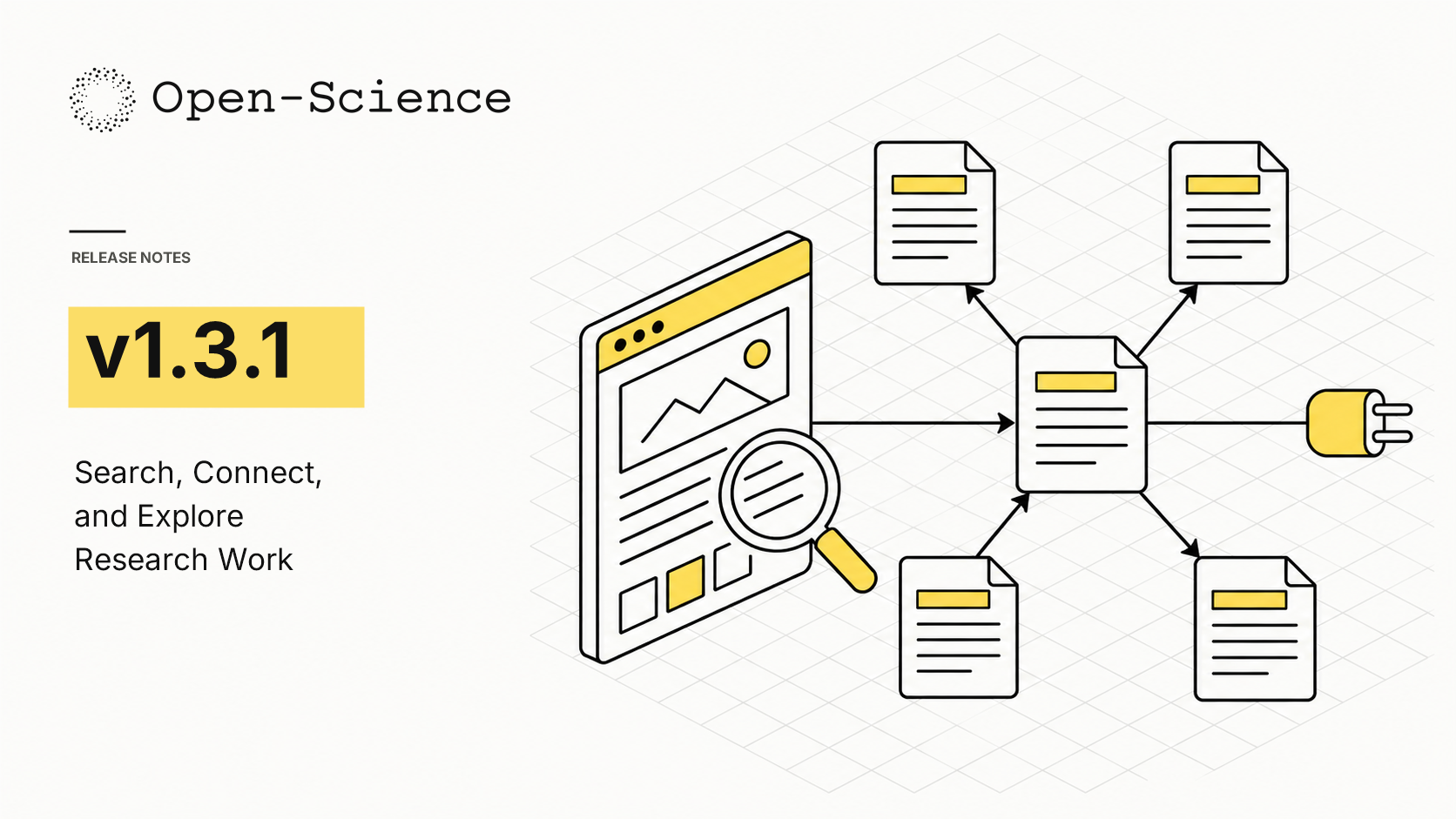
What new capabilities help researchers find and connect evidence?
AIPOCH Open-Science v1.3.1 connects public web discovery, literature navigation, external agents, and organization resources within research workflows, giving researchers more ways to locate sources, follow relationships between papers, and continue work through a configured agent while keeping the release's permissions and data-sharing boundaries visible.
The v1.3.1 release (2026) introduces web search and public-page reading for the built-in Open-Science Agent. The same release (2026) adds interactive citation graphs and MCP connections that start or reuse the background service.
Built-in Web Search and Page Reading
When a research question requires material beyond project files, the built-in Open-Science Agent can search the web and read public pages. Search approval cards show the query, time range, result limit, and domain filters, so researchers can inspect the proposed request before approving it under the active permission mode.
Cited sources remain attached to the conversation across restarts and branches, with offline availability and inclusion in research packages where permitted. Researchers can return to those sources when reviewing an answer or handing off selected work. Check important claims against the cited material before relying on them.
Search queries reach Exa, and page reading contacts the destination website. Review the proposed query and the active permissions before sending sensitive research context. These behaviors are documented in the 2026 release's Scope & Safety section.
Interactive Citation Graph
Following a paper's references and later citations can involve switching repeatedly between lists. Version 1.3.1 presents those relationships as an interactive graph with All, References, and Cited by views.
Select a related paper to re-center the graph, follow arrows indicating citation direction, and return to the original paper when needed. Researchers can use the graph to navigate a literature neighborhood and choose papers for closer reading. The 2026 release also reports improved arrow placement and a smaller off-screen hint for narrow displays.
MCP Connections That Start the Service
Researchers using an external agent can connect through Model Context Protocol (MCP), which starts or reuses the Open-Science service for the selected profile. The connection removes a manual startup step from that workflow.
The release points to README and CLI setup options for more than 30 agents and local clients, including an initial call to confirm the connection. Follow the setup instructions for the chosen client. The service continues running after disconnection and can be stopped with open-science stop. See the v1.3.1 release (2026).
Lab Models and Organization Cases
With a Lab account, researchers can use models assigned by their organization and track usage. Organization cases can be searched and imported, and a session can be uploaded for sharing through a share code.
Review the session package before sharing and an organization case before importing. Lab model requests and shared research packages go through the signed-in Lab server, making the configured organization endpoint part of the data-handling decision. The 2026 release defines this scope.
What else is new in v1.3.1?
AIPOCH Open-Science v1.3.1 gives researchers more control over provider configuration and Notebook resources by refreshing model catalogs, explaining provider failures, testing image services, and checking available memory before execution, while startup and recovery improvements reduce interruptions when opening sessions or reconnecting a research folder.
The v1.3.1 release (2026) says a failed model-list refresh retains the previous list. The same release (2026) says Notebook runs are held back when available memory is too low, with manual retry available.
- Provider configuration. Refresh model lists from Settings. Conversation errors identify causes such as authentication, quota, rate limits, unavailable models, connection loss, and context limits, with matching recovery actions.
- Image service setup. Run an optional test generation before saving an image service. Saving a new service selects its first model when no default exists.
- Notebook resources. Use Compute to select a session and release its Notebook resources while active work stays protected.
- Startup and Windows onboarding. Session details load when opened. Missing-folder recovery asks researchers to reconnect the drive, and optional WSL setup can be completed later in Settings → Runtimes.
Which bug fixes affect daily use?
AIPOCH Open-Science v1.3.1 addresses update blockers, session recovery, imported-session cleanup, and film playback preparation, giving researchers practical reasons to upgrade alongside the discovery features, especially when reconnecting to long conversations, preserving an unsent draft, or installing an update on Windows or a Linux AppImage installation.
The v1.3.1 Bug Fixes section (2026) reports fixes for Windows updates and uninstall operations with large settings files. The same section (2026) says reconnecting sessions preserve unsent drafts and accept answers to questions restored after a crash.
- Update blockers. In-app updates recognize the app's own background log process. Linux AppImage updates recognize the app's own keepalive pipe.
- Session continuity. Long branched histories load after reconnection, and renaming or pinning a session preserves newer changes. Failed detail loads stop repeating indefinitely.
- Research records. Deleting an imported session on Windows removes its files and records, and standalone Notebook sessions load the agent conversation history.
- Research Films. Playback preparation proceeds without waiting for quality reviews that do not affect playback.
How can readers install or update AIPOCH Open-Science?
Researchers can install AIPOCH Open-Science v1.3.1 using the package for their operating system from the versioned GitHub Release, while researchers upgrading from 1.3.0 should follow the documented manual installation steps if the running updater reports that another process is using the installation and prevents completion.
The v1.3.1 Install section (2026) lists macOS 12 or later on Apple Silicon or Intel, Linux x64 or ARM64, and Windows 10 or 11 x64. The release's upgrade notice (2026) explains that the updater already running in 1.3.0 may require a one-time manual installation.
If that update is blocked, fully quit Open-Science and its background service, then manually install the downloaded v1.3.1 package. The release states that profiles and research data are preserved. Updates that begin from v1.3.1 include the fix.
Choose the correct platform asset on the official v1.3.1 download and release page. The release also provides standalone CLI archives with a bundled Node runtime, Homebrew options, and an npm installation route requiring Node.js 22.13 or later.
Where can readers verify the release and learn more?
Readers can verify AIPOCH Open-Science v1.3.1 features and upgrade instructions in the versioned GitHub Release, then use AIPOCH's product overview and related articles to understand the broader research workflow, including the earlier scheduling and artifact features and the role of Research Films in communicating completed work.
The official v1.3.1 release (2026) provides the implemented feature list and installation guidance. The Open-Science product page (verified 2026) describes the workbench's agents, execution tools, and traceable artifacts.
- AIPOCH Open-Science v1.3.1 release and downloads
- Open-Science product overview and AIPOCH home
- Open-Science v1.3.0 release article
- From a .science research package to a film you can share
FAQ
Can the built-in agent search the web in v1.3.1?
Yes. The Open-Science Agent can search the web and read public pages. Search approval cards expose the query and filters, and cited sources remain with the conversation. Search requests go to Exa under the active permission mode.
How do I explore papers related to a reference?
Use the interactive citation graph to switch between All, References, and Cited by. Re-center on a related paper to continue exploring, or return to the original paper.
Does an MCP connection require opening the desktop app first?
Version 1.3.1 starts or reuses the Open-Science background service when an external agent connects through MCP. The service remains running after disconnection. Use open-science stop when finished.
What should I do if the 1.3.0 updater is blocked?
Fully quit Open-Science and its background service, then install the downloaded v1.3.1 package manually. The official release states that profiles and research data are preserved.
What limitations and responsibilities apply?
AIPOCH Open-Science v1.3.1 assists researchers with source discovery, literature navigation, execution, and research sharing, while scientific judgment and peer review remain essential responsibilities, including checking cited claims, selecting suitable methods, reviewing packages before sharing, and understanding which search, website, model, or Lab service receives research information.
The v1.3.1 Scope & Safety section (2026) identifies Exa, visited websites, and the configured Lab server as data recipients for the relevant operations. The release's Known Limitations section (2026) states that AI-assisted outputs do not validate citations, units, statistics, or methods.
Review permissions and external-service data terms before sending sensitive material. Open-Science supports inspectable research records and reproducible execution, with method selection, validation, interpretation, and publication decisions remaining with researchers.