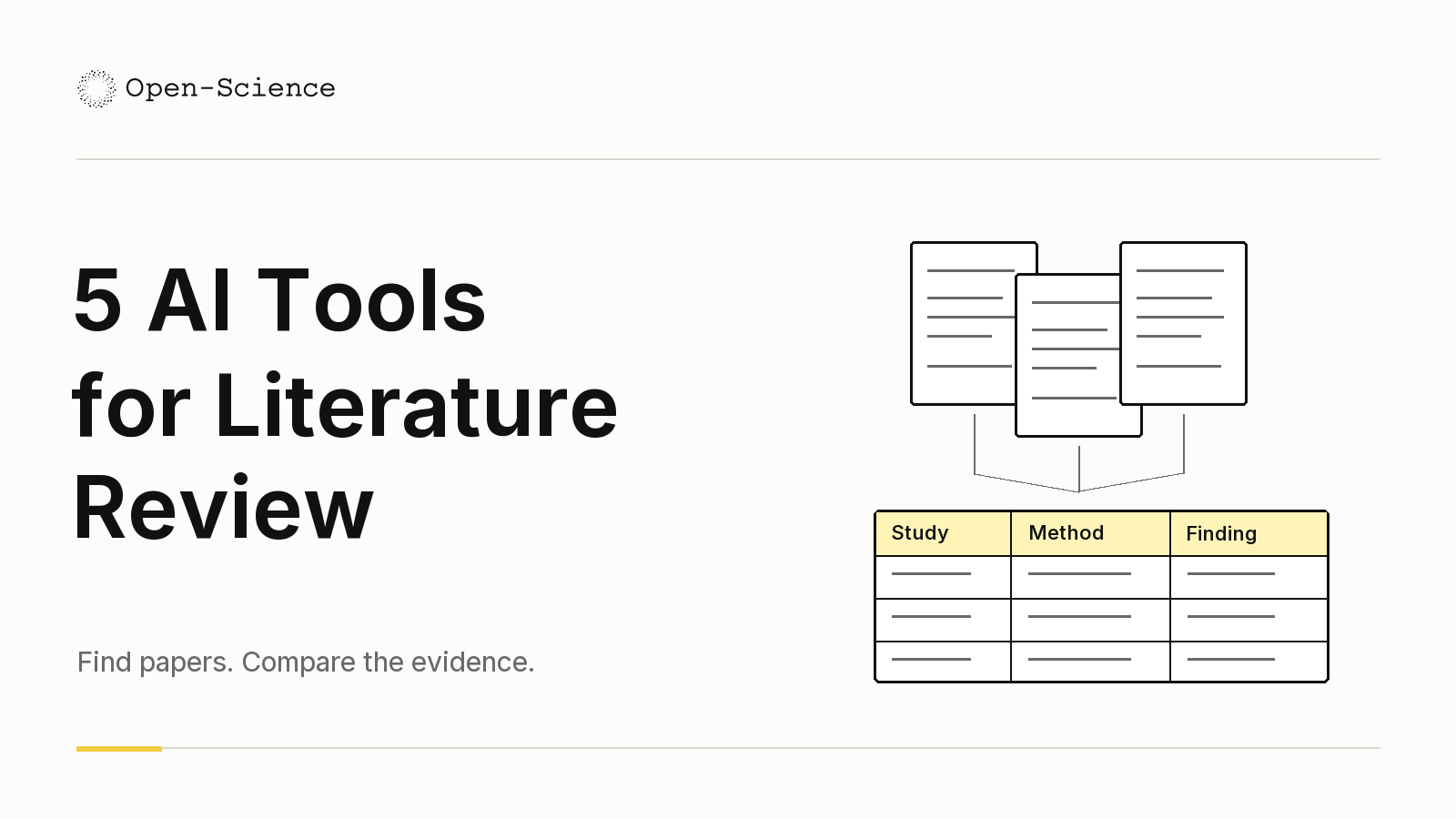
AI tools for literature review help with different decisions. AIPOCH Open-Science is worth trying when reference management and screening must connect to a broader research project. Elicit suits structured review workflows, while Consensus offers a question-led route into the evidence. ResearchRabbit expands a reading list through citation networks; scite helps examine how later papers discuss a finding.
A literature review can stall at very different points: an incomplete candidate list, inconsistent screening decisions, missing study details, or a conclusion that outruns its sources. This guide compares five tools around those tasks, including the input each needs and the output you should inspect. It is a comparison of documented workflows, not a hands-on performance ranking. AIPOCH publishes this guide and includes its own product.
| Product | Core purpose | Main features | Suitable task |
|---|---|---|---|
| AIPOCH Open-Science | Organize and screen references within research work | Shared literature library, reference attachments, Smart Collections, manual review | Build a reading set and use it in a continuing project |
| Elicit | Organize evidence extraction and review | Research Agent, research reports, guided systematic-review workflow | Move from a question to a structured evidence table |
| Consensus | Explore research questions through papers | Query planning, citation tracing, filters, source-linked reports | Scope a question and identify relevant findings |
| ResearchRabbit | Discover connected literature | Seed papers, citation maps, collections, reference exports | Expand a reading list beyond familiar keywords |
| scite | Examine how findings are cited | Citation-context classifications, reports, Zotero integration | Check support and disagreement around a key paper |
1. AIPOCH Open-Science for organizing and screening a research library
AIPOCH Open-Science is an open-source, local-first research workbench combining configurable models, reusable Skills, scientific connectors, and Python or R execution. For literature work, its role is to keep references, source material, and the research conversation connected within a continuing project.
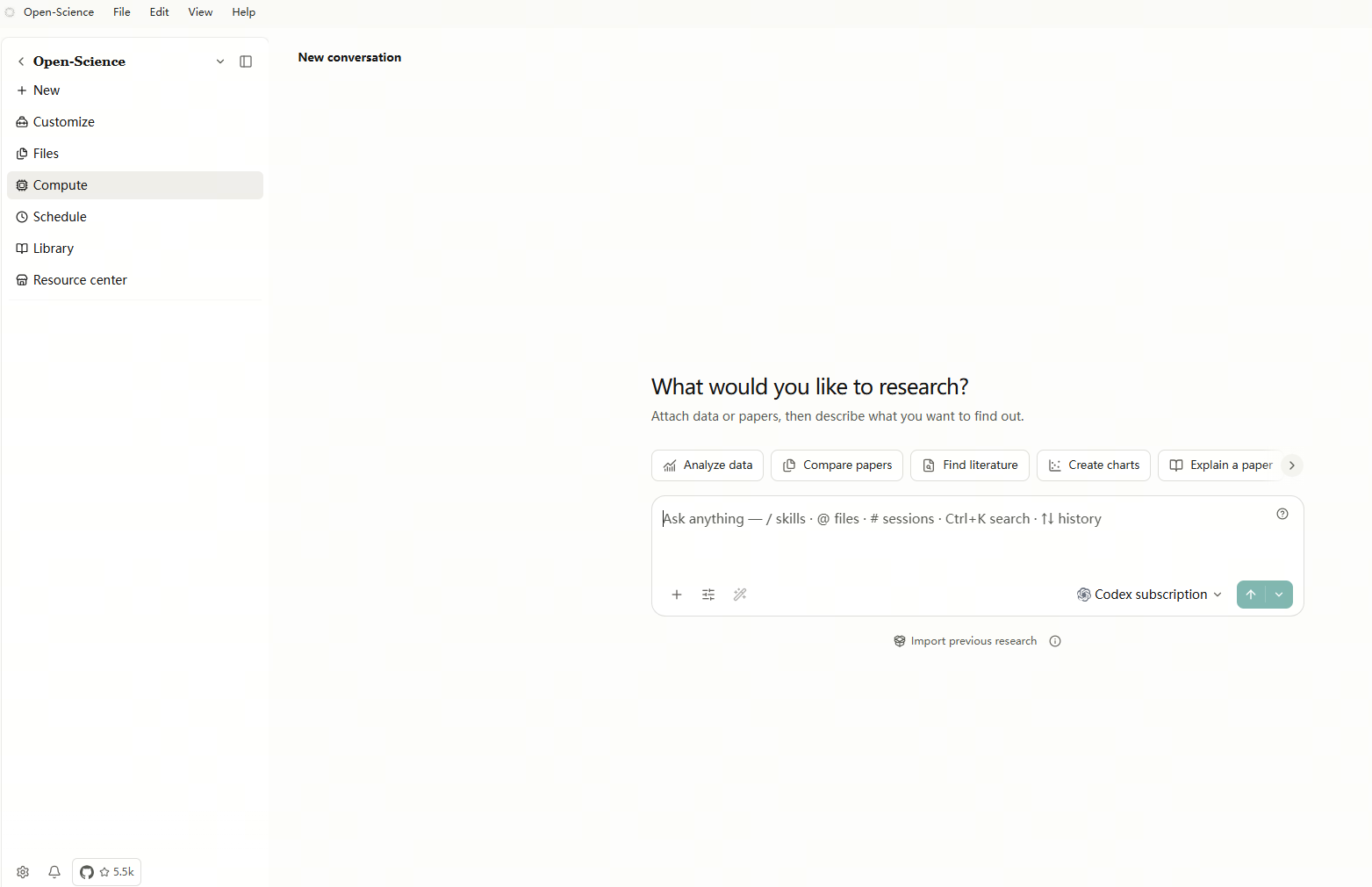
Keep the reading set connected to the work that uses it. The Literature Library is a shared local bibliography: projects and collections link to its records. You can organize references for several tasks without treating each collection as a separate copy of the paper. That makes it worth trying when a review will inform later analysis or writing, and you need to revisit the same sources.
From imported references to a reviewed reading set
Bring in and inspect your references. The Library accepts PDFs and bibliography files such as BibTeX, RIS, and NBIB. Review titles and identifiers after import. A saved bibliographic record does not guarantee that its full text is attached; check the attachment before asking questions that require the paper's methods or results.
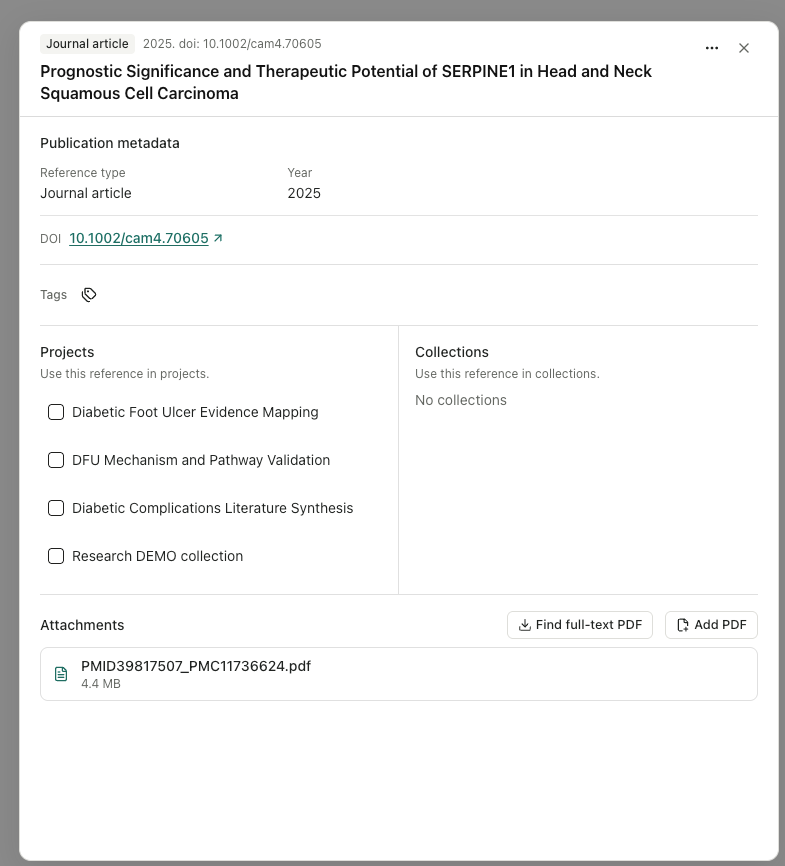
Reference-detail interface from the supplied v0.26.0 image set, showing metadata, project links, and an attachment.
Define the selection boundary. The public Smart Collection screening workflow explains how to choose a scope, write inclusion and exclusion rules, and configure the screening model. A project scope keeps unrelated references outside the pass. Make each criterion specific enough that a reviewer can explain why a paper belongs in the collection.
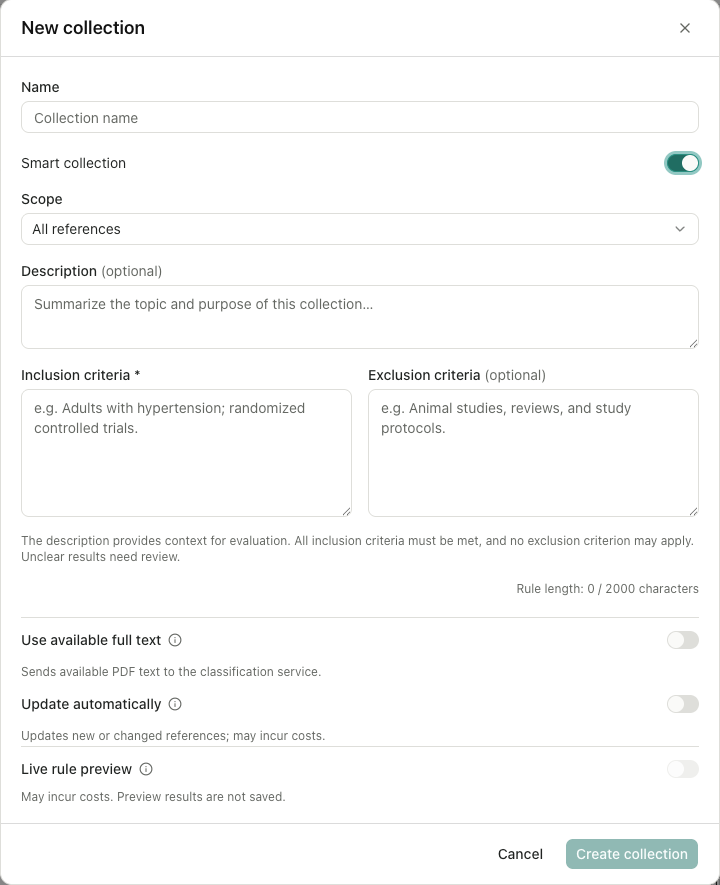
Review before using the collection. Start with a small screening pass, inspect uncertain and excluded records, and compare decisions with the source. Keep manual decisions distinct from model suggestions. An unevaluated record still needs attention; it is not automatically an exclusion. The screenshots illustrate the controls, while the linked public guide provides the operational steps. This article did not run a screening test.
Once you have a reviewed set, use those sources for the next research task and inspect its generated files. Selected research records can be handed over in a .science research package; check the export preview for the intended contents. Open-Science suits an ongoing project, but the researcher still owns the search strategy, eligibility decisions, and source checks. Local-first storage does not mean every configured model or connector runs locally.
2. Elicit for structured extraction and systematic-review workflows
Elicit is an AI research platform for finding papers, extracting information, and synthesizing evidence. Its workflow guide distinguishes three ways to work: a Research Agent session, a Research Report, and a Systematic Review. Choosing between them is the first decision to make.
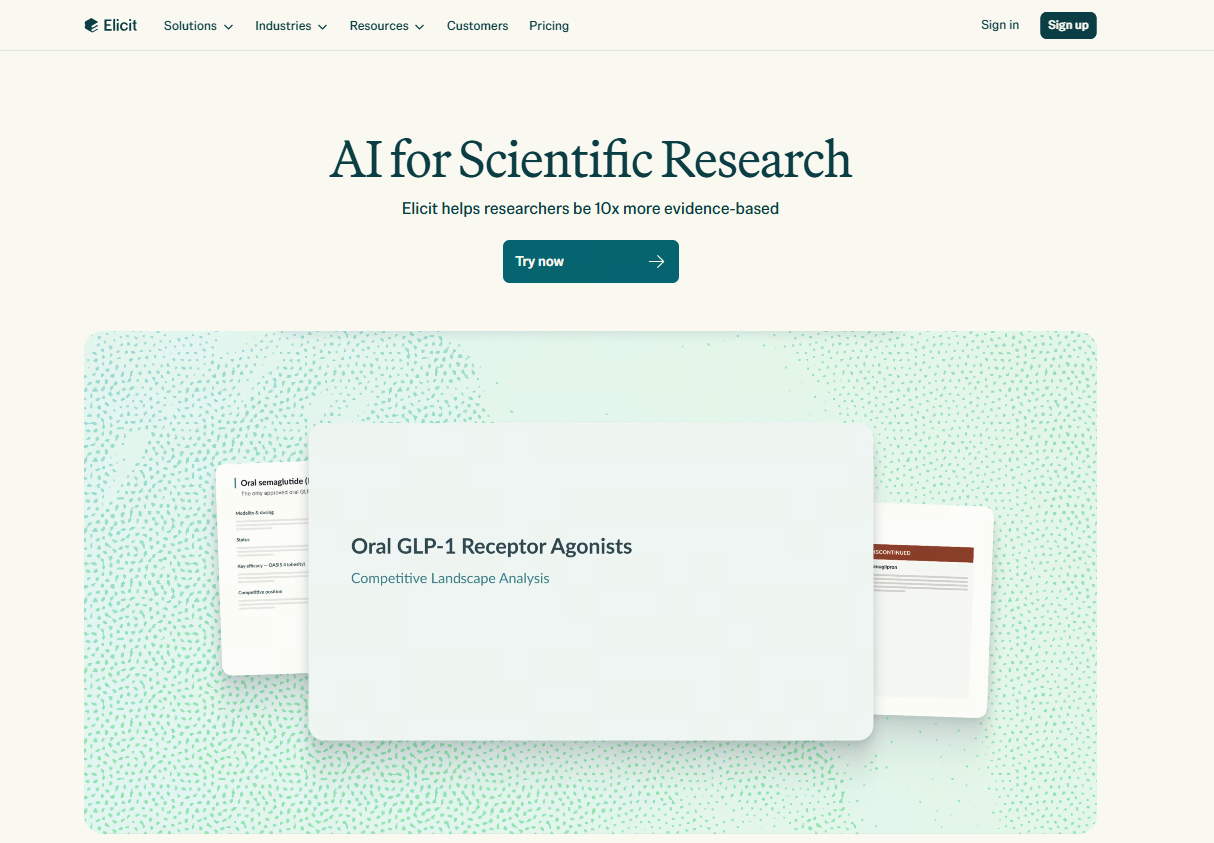
Match the workflow to how settled your question is. An Agent session lets you move from searching to extracting a table or investigating one study as the question develops. A Research Report gives you a referenced overview, with PDF or Word export. The dedicated Systematic Review workflow guides paper gathering, inclusion and exclusion screening, extraction, and a PRISMA-style report. It is the more relevant starting point when your protocol and extraction fields are already defined.
As a separate illustrative task, ask whether retrieval practice improves delayed retention in university students. Begin with several papers you understand and request a comparison of participants, study design, comparator, retention interval, and outcome measure. Ask it to mark missing information explicitly. The useful output is a table whose rows you can check against individual studies; a fluent summary can hide differences in how an outcome was measured.
Elicit is worth trying when the repeated work is comparing the same attributes across papers. Before extending an extraction, check whether a value refers to the whole study or one experimental group, and whether the reported outcome matches your definition. These are suggested checks, not findings from a test conducted for this article. The dedicated Systematic Review workflow requires Pro, Scale, or Enterprise access at the verification date; a generated PRISMA-style report still needs verified methods and decisions.
3. Consensus for exploring the evidence behind a question
Consensus is a research search platform whose Research Agent develops searches from a question and connects its report to papers. It is useful during scoping, when you need to understand how a topic has been studied before fixing the boundaries of a review.
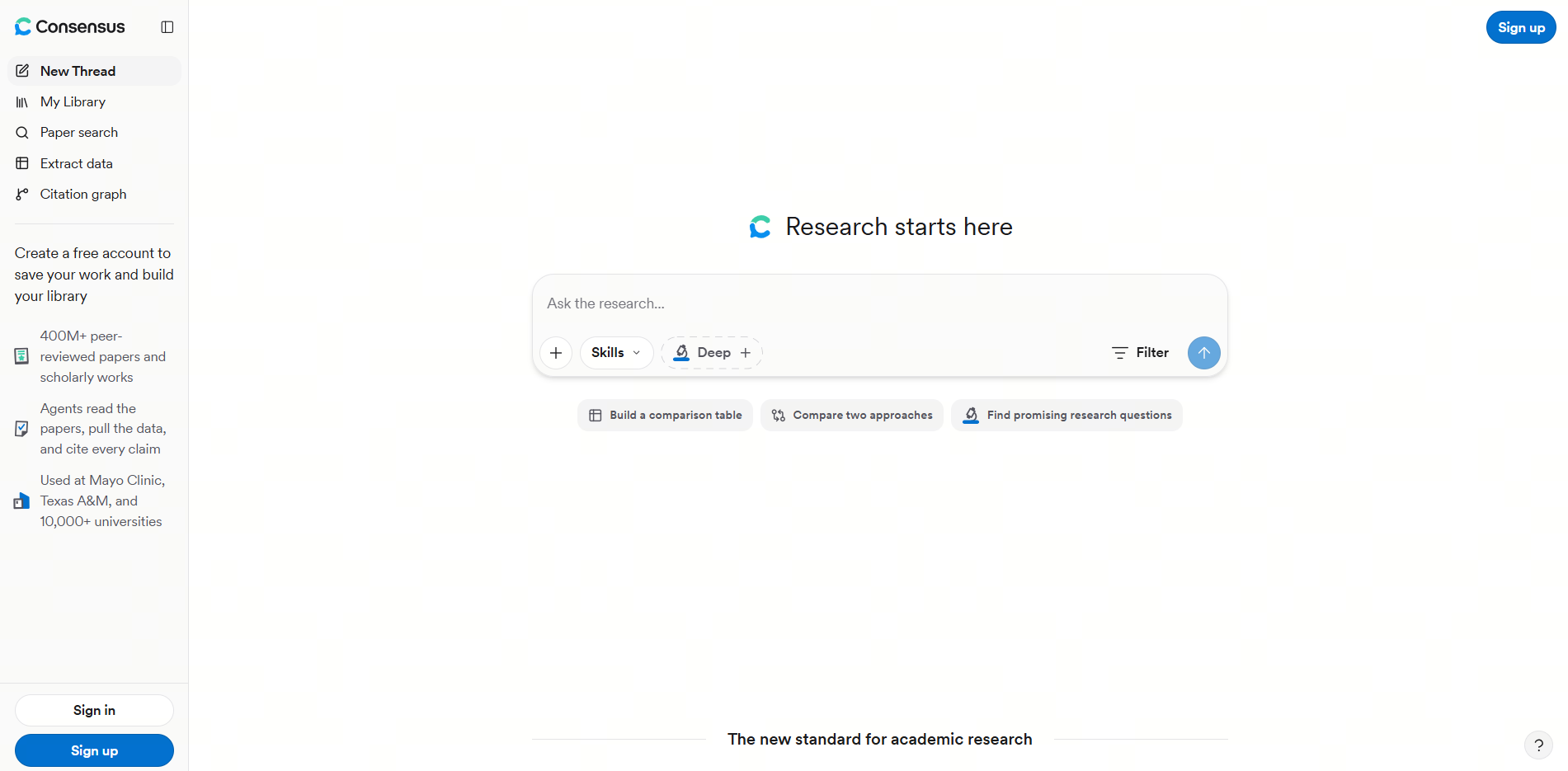
Look at the search behind the answer. The agent exposes the steps and queries it runs, follows references and citing work, and supports natural-language filters such as study type, sample size, and recency. Deep Search brings the findings into a source-linked report. For a researcher defining a review question, these controls provide specific things to inspect: which terms were used, which populations appeared, and which studies were filtered out.
Begin with a bounded question and name the distinctions that matter. In the retrieval-practice example, ask it to separate immediate test performance from delayed retention. Open the papers behind the response and check whether they actually concern university students. If an influential paper emerges, use its DOI to explore the citation trail in both directions.
The output to keep is a candidate list with a clearer understanding of the question's scope. Consensus is worth trying before writing a detailed extraction protocol, or when investigating the evidence behind a particular claim. A source-linked report does not, by itself, establish complete review coverage: record your queries and inspect the underlying studies before treating its synthesis as the conclusion of your review.
4. ResearchRabbit for expanding a citation network
ResearchRabbit is a literature-discovery tool that uses seed papers and citation relationships to help you explore a field. Its step-by-step guide describes adding papers by title, identifier, saved collection, or reference-file import, then using Grow to expand the map.

Your starting papers shape what you find. This is the main reason to consider ResearchRabbit when keyword searches keep returning familiar results. Start with one or two relevant papers, inspect their connected work, and add promising discoveries as new seeds. You can follow a branch into references or citing papers, then bring useful discoveries back into the main map. For a researcher learning a field, that makes the relationships between papers something to investigate directly.
For the retrieval-practice question, try seeds representing different study designs. If the map keeps circling the same research group, change or broaden those seeds and inspect the new connections. This is a suggested search strategy, not a measured claim about the tool's coverage. Seed selection remains an editorial decision, so retain a separate keyword or database search to look beyond the network you began with.
Leave with a screening set, not just a map. Save useful papers to a collection, add notes explaining why they matter, and export references as BibTeX, CSV, or RIS for the next stage. The practical deliverable is an organized candidate set with reasons to investigate each paper. Check search-history retention and export requirements before committing to a long project; saving important papers in collections reduces dependence on a temporary search journey. ResearchRabbit fits discovery particularly well when you already have relevant starting papers, while eligibility decisions still need their own review process.
5. scite for checking the context around citations
scite analyzes citation statements and classifies whether they support, contrast with, or mention a paper's findings. Its official Zotero plugin guide documents how to inspect these signals inside an existing reference library and open the corresponding citation passages.
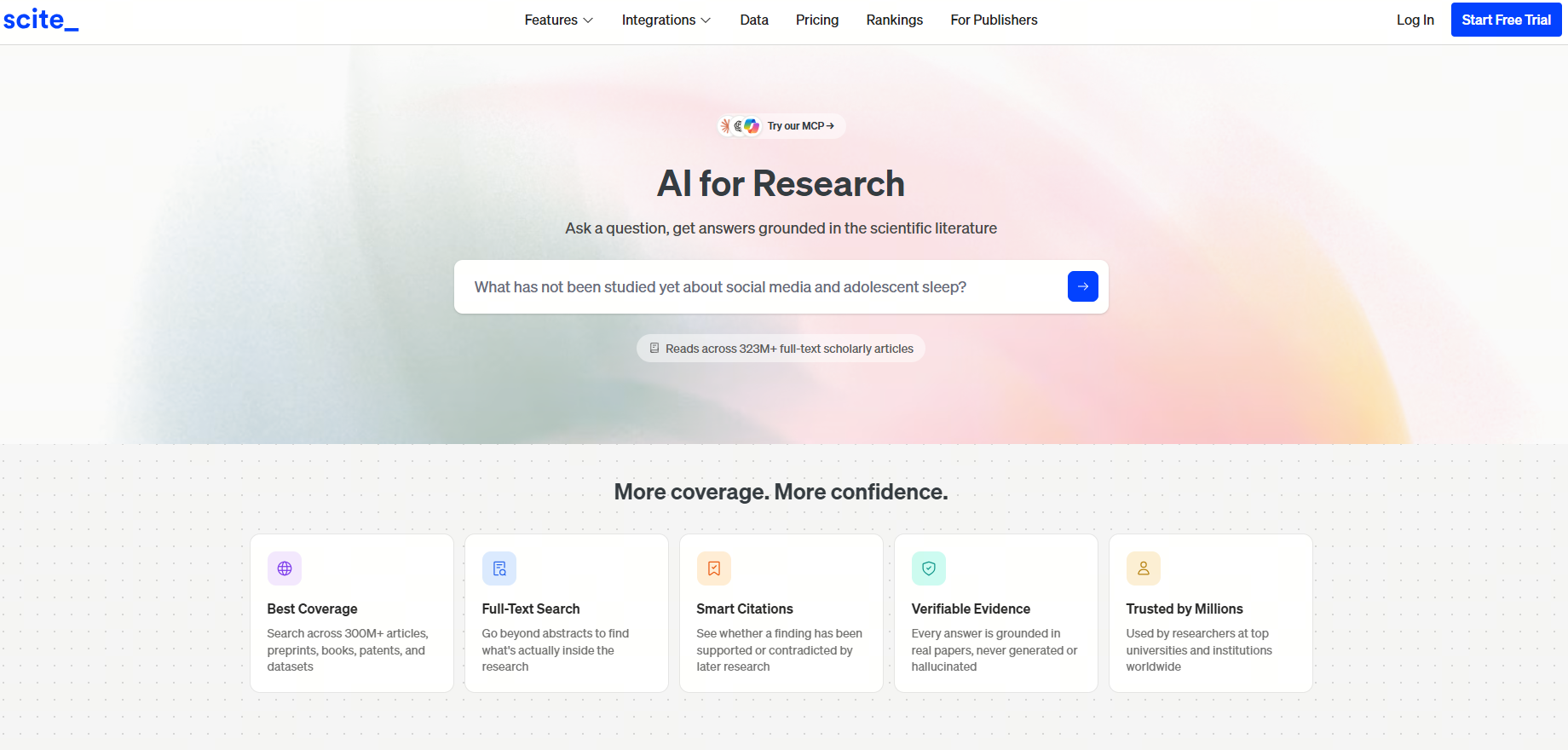
Separate attention from evidence. A heavily cited paper may be mentioned as background, discussed critically, or cited for different findings. The plugin distinguishes supporting, contrasting, and mentioning tallies. It also separates the number of citation instances from the number of distinct citing publications: several passages in one paper are not several independent studies.
To investigate an important claim, install the official plugin in a compatible Zotero version; the documented version 2 requires Zotero 7 or later. Select the paper, inspect the classifications, and open View Scite Report to read the citation snippets. Ask which result the later authors discuss and whether differences in population, methods, or outcomes explain an apparent disagreement.
The useful result is an evidence note about a specific claim: what was challenged, what was supported, and which passages need closer reading. This makes scite worth trying when drafting the discussion or checking a central reference. The classifications are prompts for investigation, rather than a quality score or a vote that settles the question. This comparison covers the documented Zotero workflow; it does not assume access to every feature of scite's web service.
How to choose a tool for literature review
Compare literature review AI tools with relevant, borderline, and irrelevant papers you already know. Define a satisfactory output before running anything.
- Your reading list is too narrow: start with ResearchRabbit for connected discovery or Consensus for question-led exploration. Keep candidate papers and the route by which you found them.
- Eligibility decisions are inconsistent: use Open-Science Smart Collections or Elicit’s dedicated review workflow. Keep the criteria, uncertain cases, and human decisions together.
- Study details are hard to compare: try Elicit with explicit extraction fields. Check values and missing-data labels against the source rather than rewarding a completely filled table.
- A central claim needs scrutiny: use scite to inspect citation context, then read the relevant passages. A supporting citation is not a substitute for evaluating a study’s methods.
You can combine tools around a handoff. Export candidates from ResearchRabbit, choose a supported import route into your screening tool, and check consequential citations with scite. Verify the fields that survive that handoff; this sequence is a suggested workflow, not a claim of automatic integration. Before synthesis, sample excluded records and trace each major conclusion to the studies that support it.
Conclusion
Choose the stage you need to improve before choosing the tool. Open-Science fits research that continues beyond organizing and screening a reading set, while the other options offer focused routes into extraction, question exploration, discovery, and citation checking. Start with a small, familiar paper set and judge the evidence trail behind the output.
FAQ
Can AIPOCH Open-Science screen papers using my inclusion criteria?
Yes. Smart Literature Collections use a defined scope and inclusion/exclusion criteria to evaluate references, and distinguish AI suggestions from manual decisions. Start with a small set, inspect uncertain results, and review available PDF evidence before accepting a decision.
Can AIPOCH Open-Science connect a review to later analysis?
Yes. Its broader workbench combines literature work with Skills, scientific connectors, and Python or R execution. Use the reviewed papers to inform the next task, then inspect generated tables, figures, or Notebook outputs before including them in the project record.
Can AIPOCH Open-Science help hand a research project to a collaborator?
Yes. Open-Science supports selected research records and artifacts in portable .science packages. Preview the contents and include the relevant methods and evidence. Confirm that the selected package actually contains what your collaborator needs.