Notebook and Provenance
The Session Notebook collects the Python, R, and shell units that the agent actually ran. Provenance starts with an artifact version and connects its producer code, execution log, messages, environment, and review evidence.
Open the Session Notebook
Open the session … menu, then select View notebook.
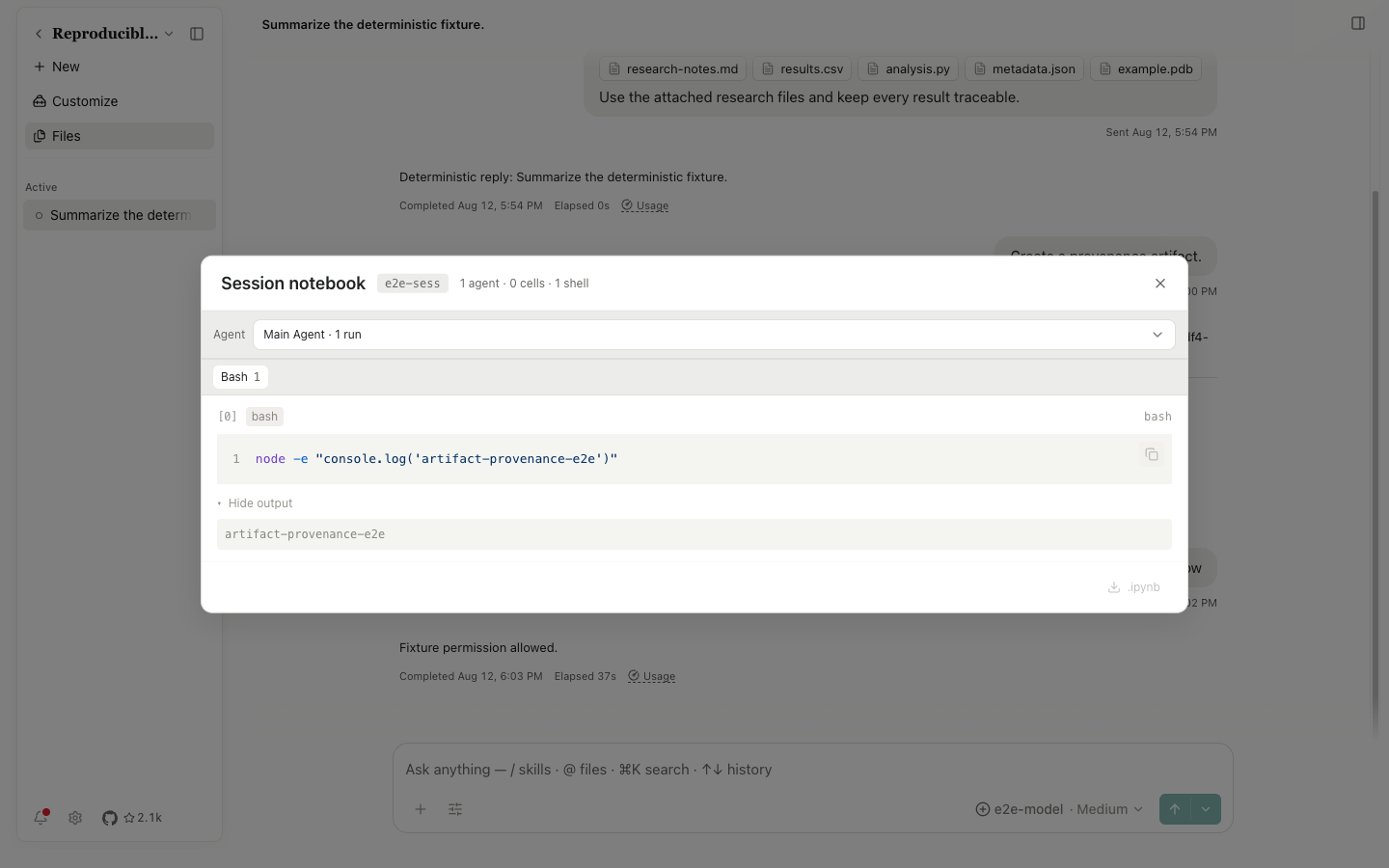
| Control | Behavior |
|---|---|
Agent menu | Filter runs by Main Agent or a subagent |
Python / R / Bash tabs | The number on a tab is the count of runs for that language or type |
Unit heading [0] | Shows execution order and tool type |
Copy to clipboard | Copy the input code or command |
Hide/Show output | Collapse or open stdout, results, figures, and errors |
.ipynb | Download a Jupyter file when convertible notebook cells exist; a shell-only session may leave it disabled |
Close | Close the dialog without stopping the agent or deleting runs |
An input-data strip identifies files referenced by a run. Figures and outputs remain tied to the notebook run. After package installation, restart the kernel when prompted so an old process doesn't keep using the previous environment.
Produce an artifact
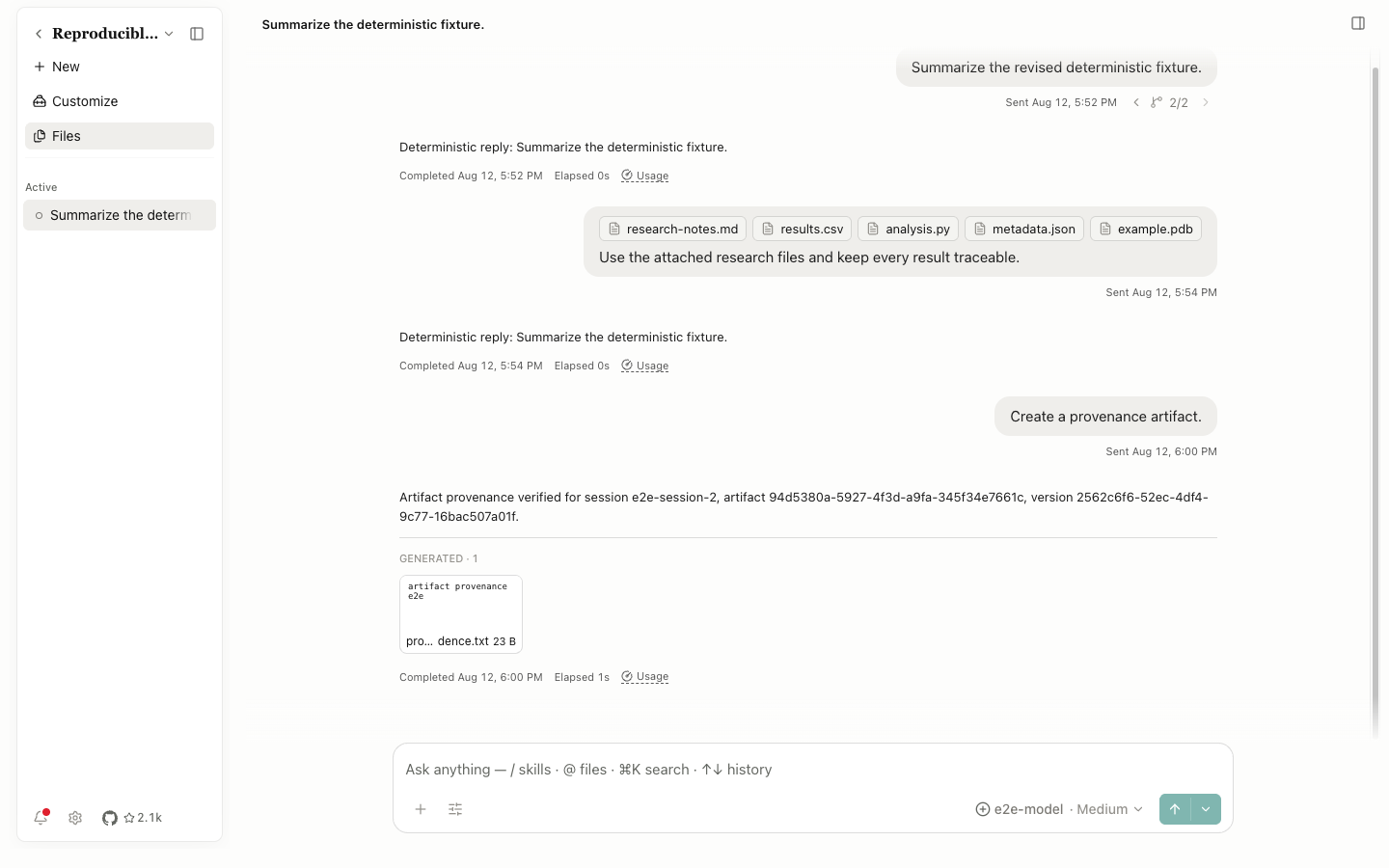
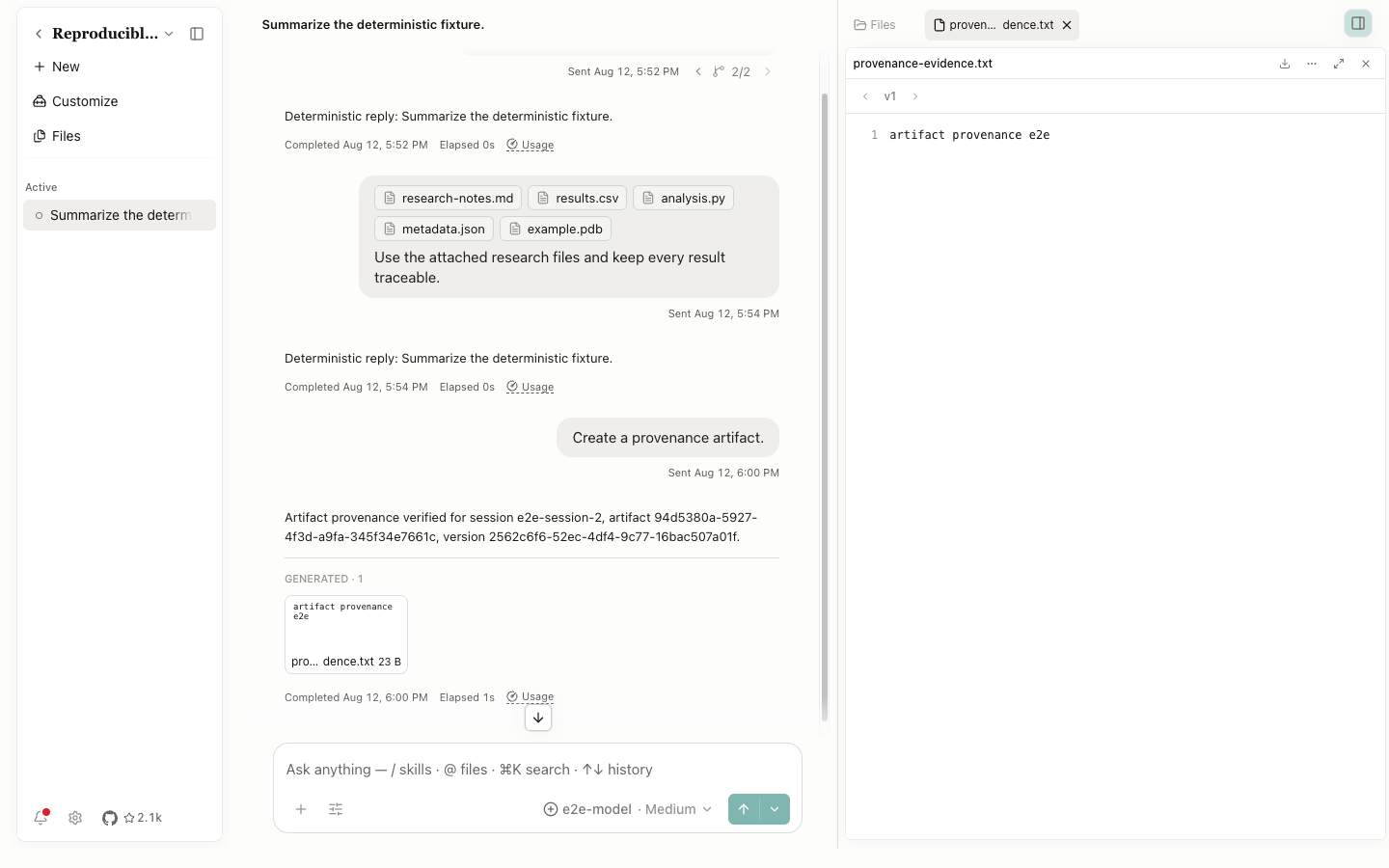
When the agent creates a file, its assistant message shows GENERATED · n and a file card. Select the card to open it. The same file appears under Generated files, grouped by session.
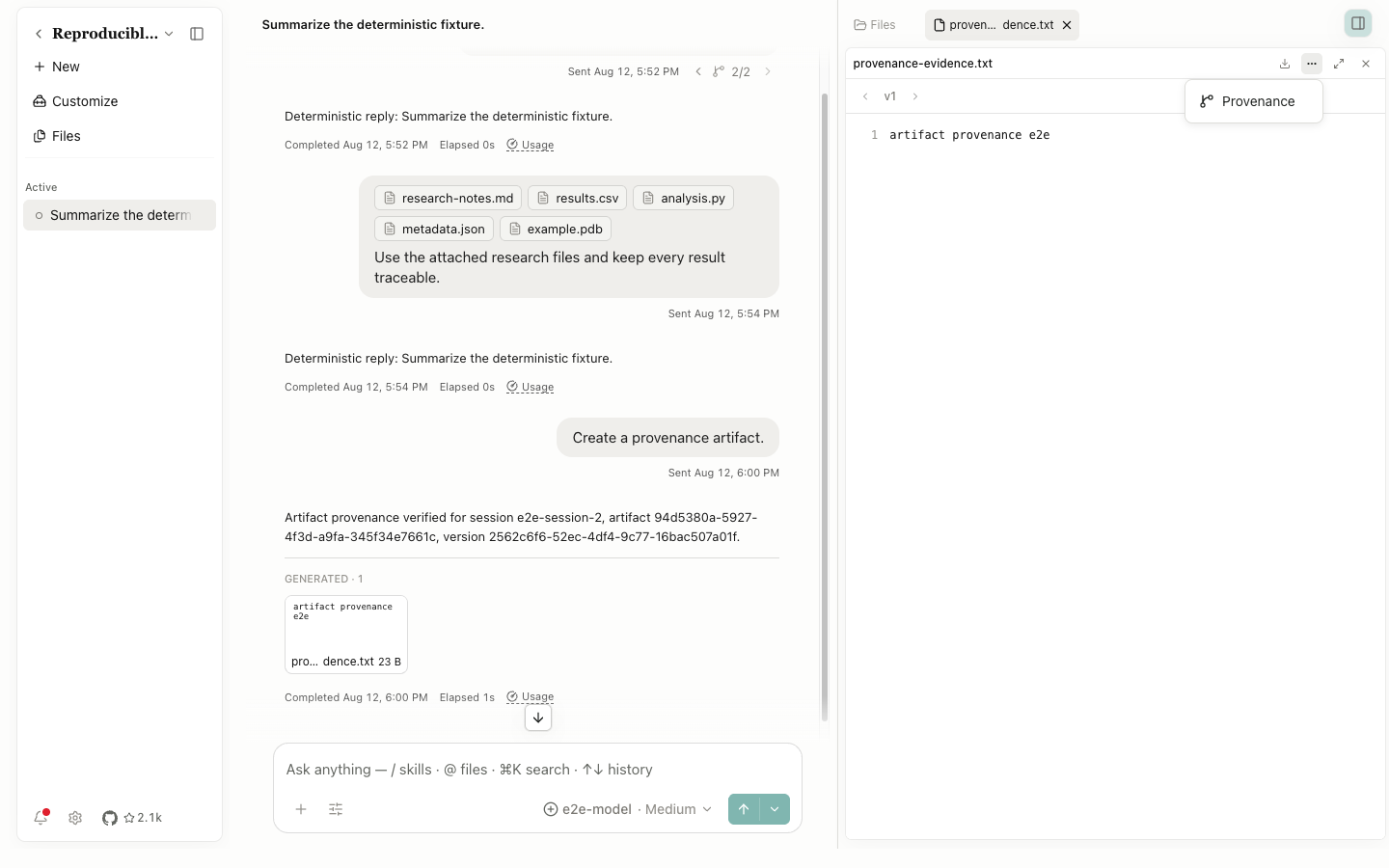
Open Provenance
In the file preview, select File actions, then Provenance.
Code
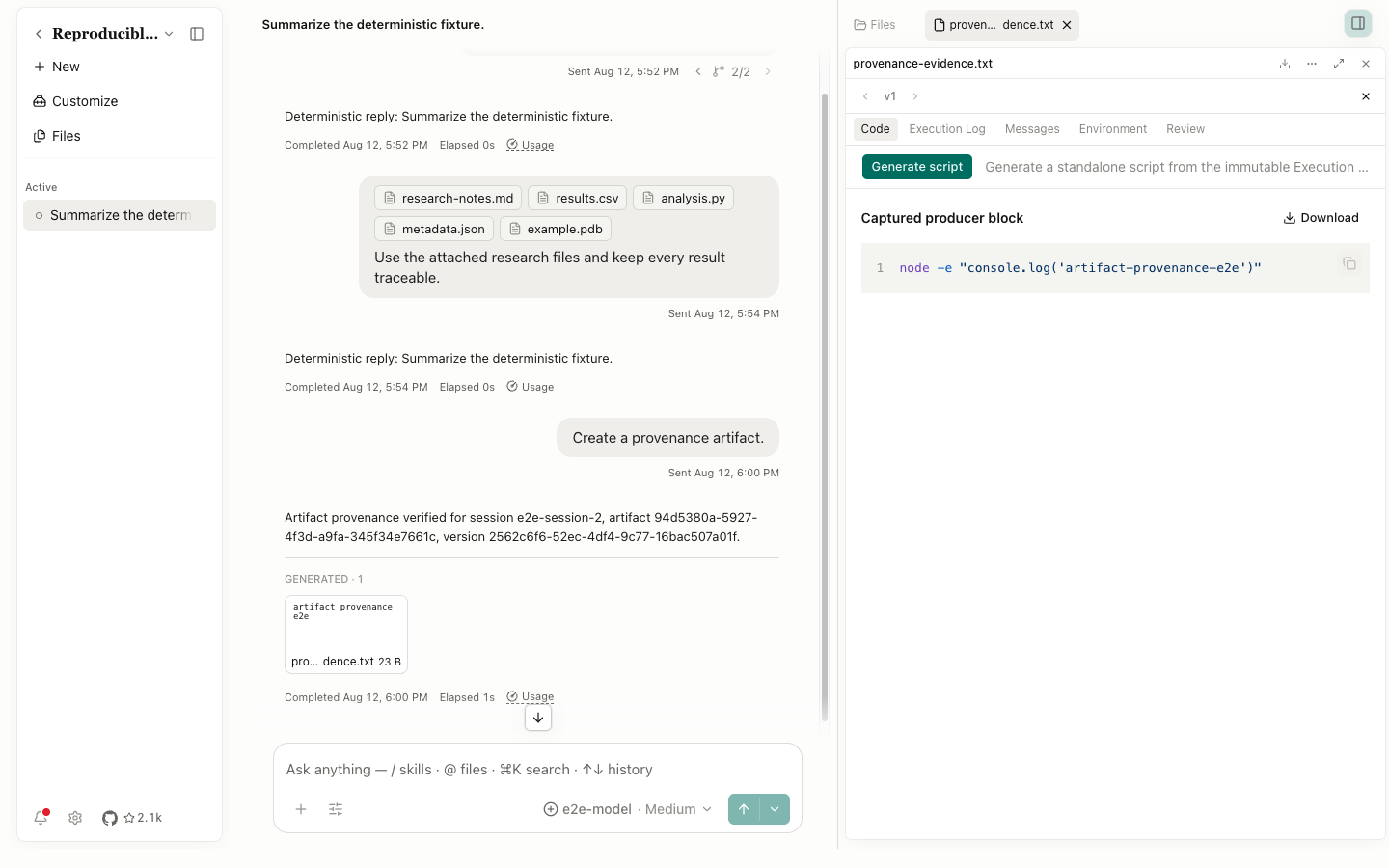
Code shows the Captured producer block. Download saves it, Copy to clipboard copies it, and Generate script asks the current provider and model to derive a standalone script from the immutable Execution Log. A generated script is a new derived result; it doesn't replace the original evidence.
Execution Log
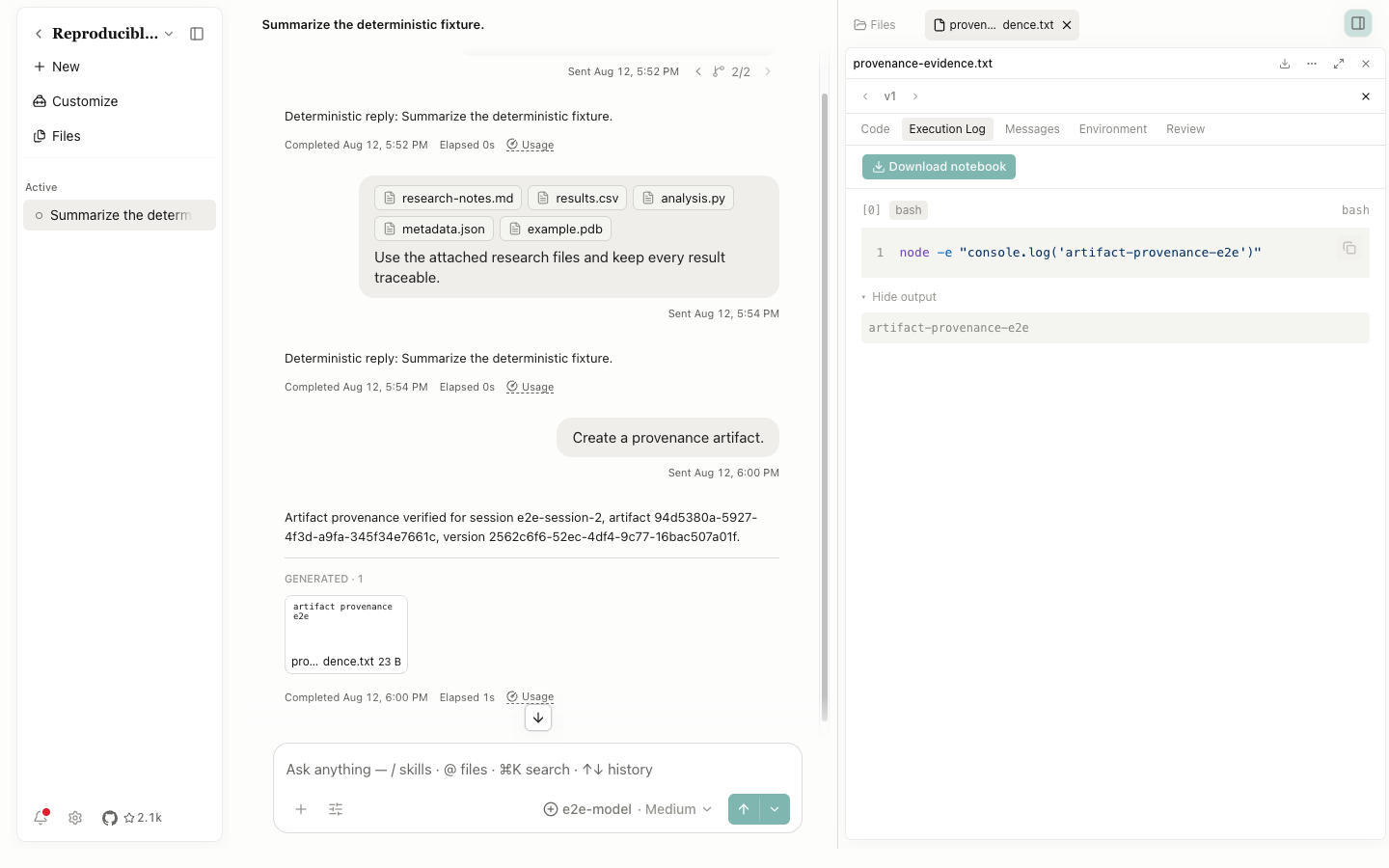
This tab lists the actual tools, inputs, outputs, states, and timing in order. Use it as the primary account of what ran instead of inferring the process from the final file.
Messages
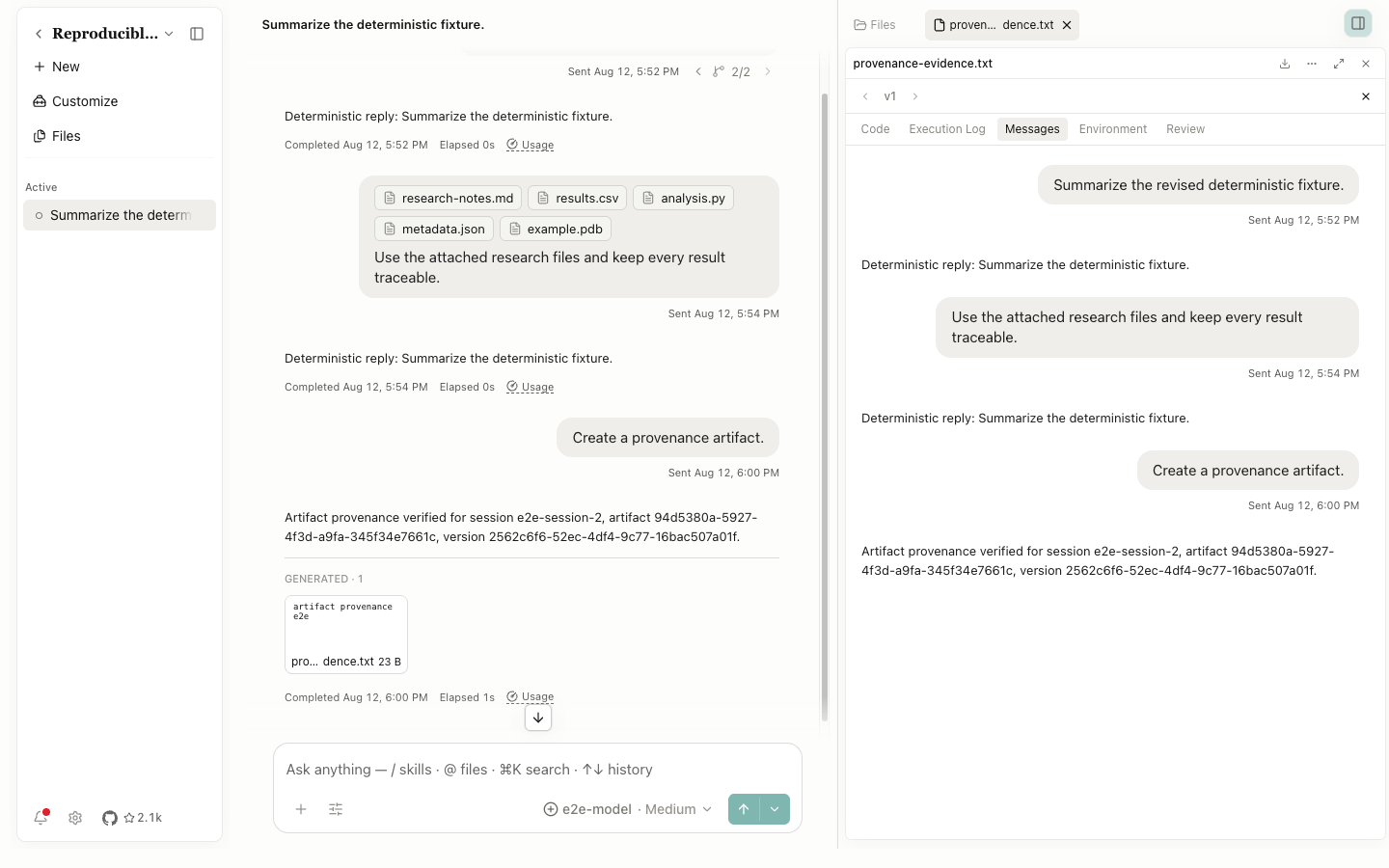
Messages shows the user and assistant text associated with this version, preserving intent, constraints, and decisions.
Environment
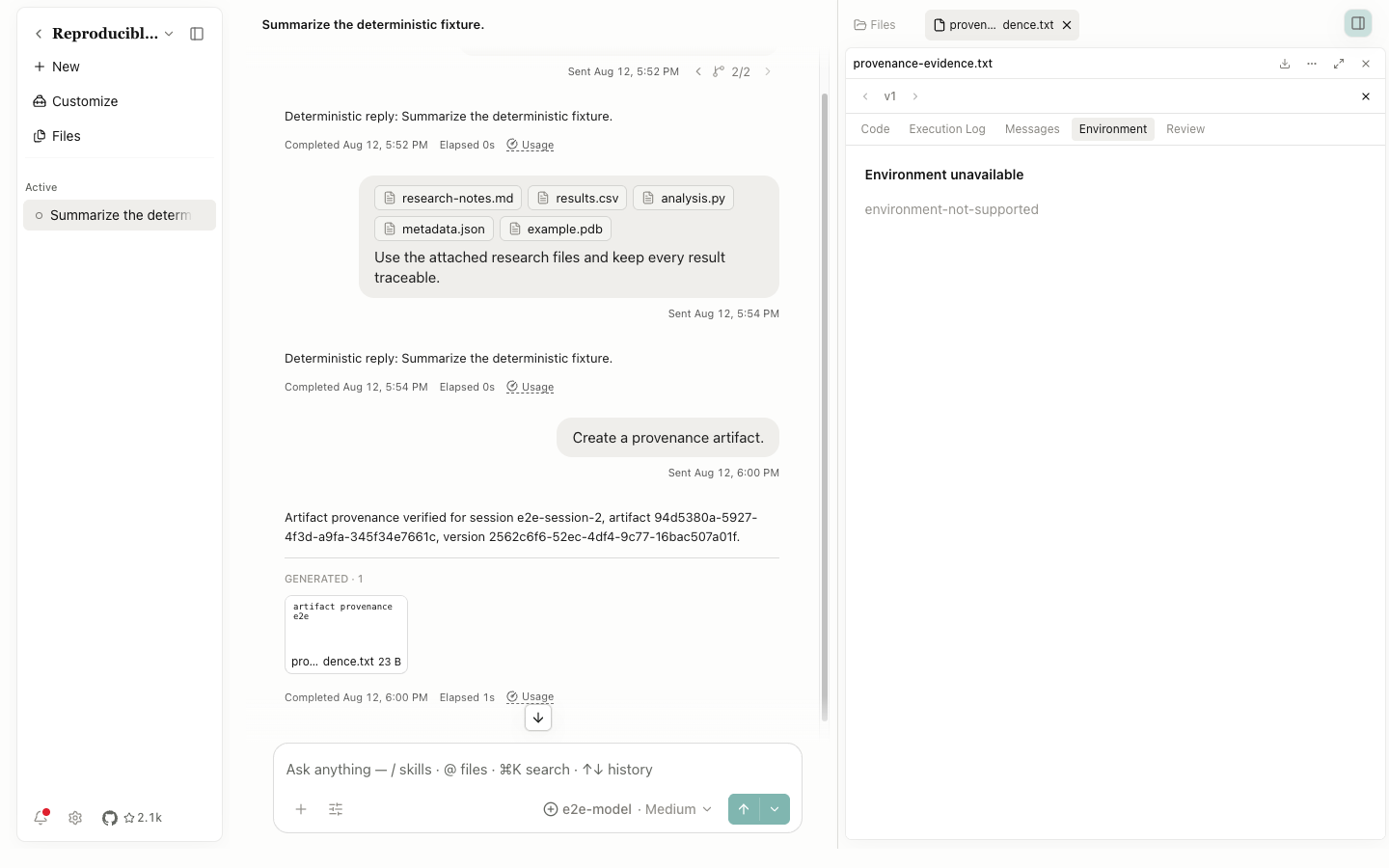
Environment reports captured runtime and dependency context. Compare it when Python or R versions, packages, or execution locations may explain a different result.
Review
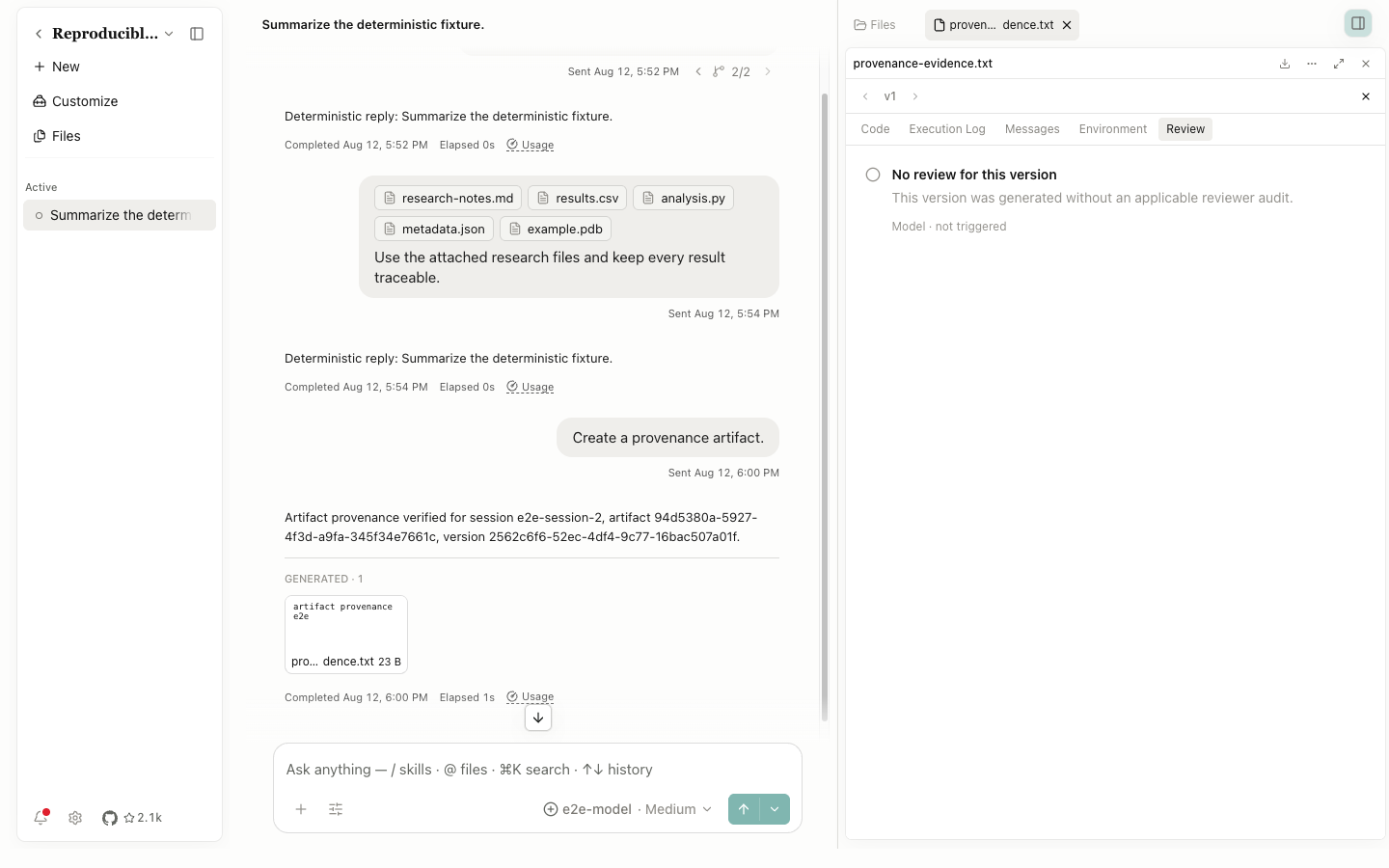
Review reports reviewer state and material. A review doesn't prove the conclusion; it records which check ran, when it ran, and which artifact version it covered.
Use Previous/Next Artifact version and vN to move through immutable versions. Close Provenance returns to the file preview. Each version keeps its own evidence chain.