File Previews
Open Science chooses a preview from the extension, MIME type, and available renderer. A preview failure leaves the source file unchanged; use Download and open the file elsewhere when needed.
Tables and source code
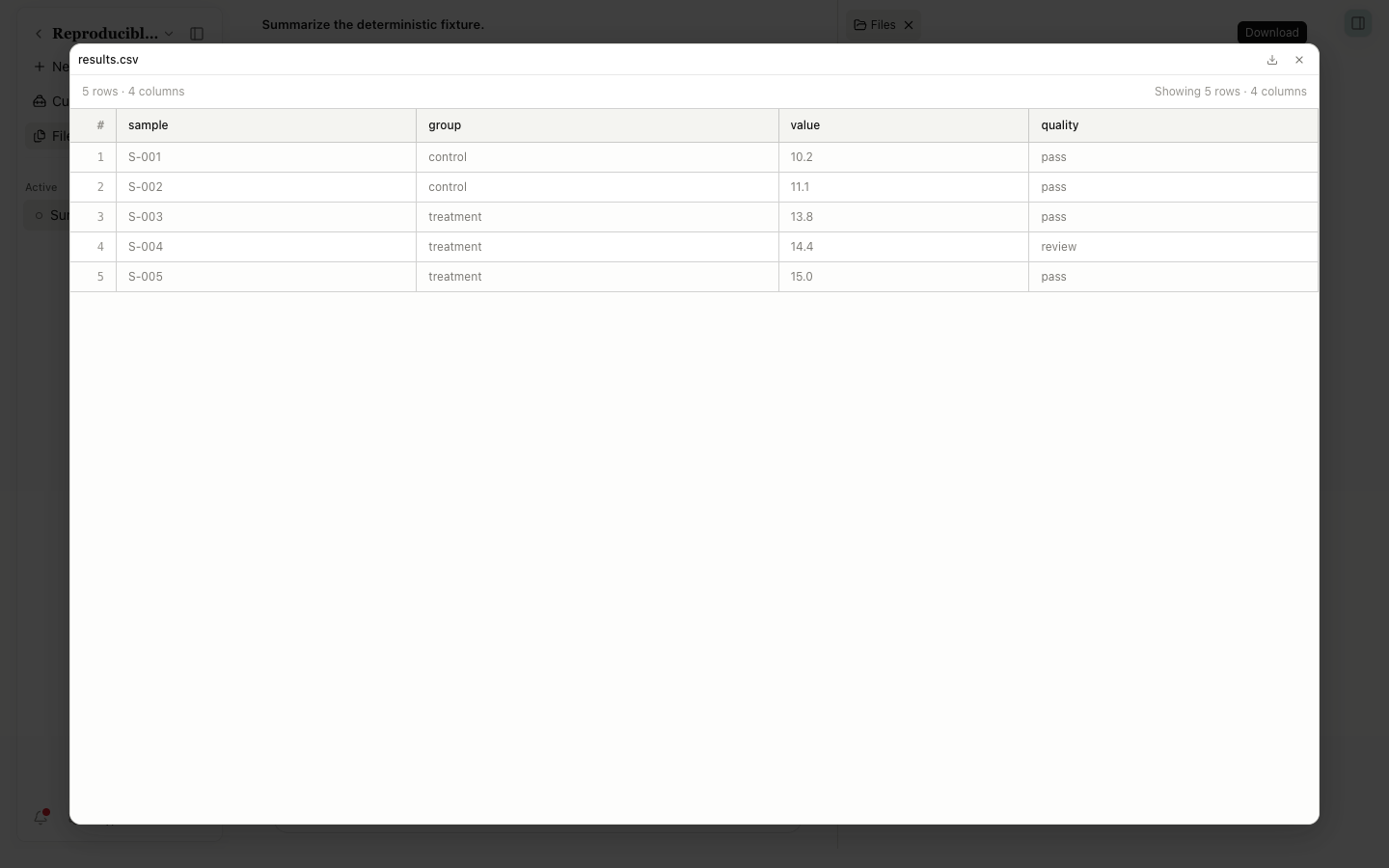
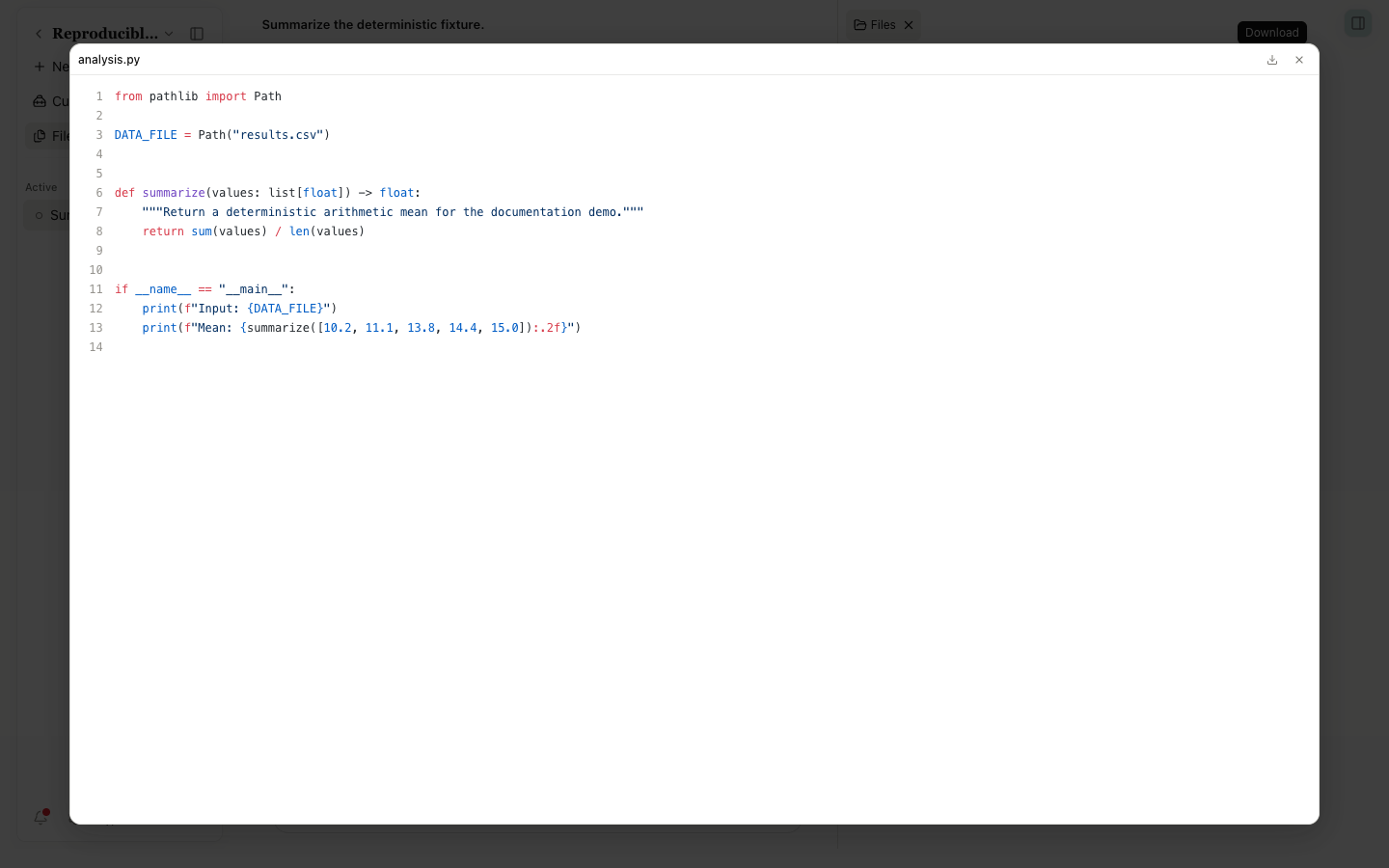
CSV files appear as a row-and-column grid. Very large files may show only a bounded immediate view. Code and plain-text previews include line numbers and syntax colors, with Download and Close in the header.
JSON appears in a structured or source view. Markdown renders headings, lists, links, and code. HTML uses a controlled preview policy; don't treat a script in an untrusted HTML file as code with application privileges.
Molecules and structures
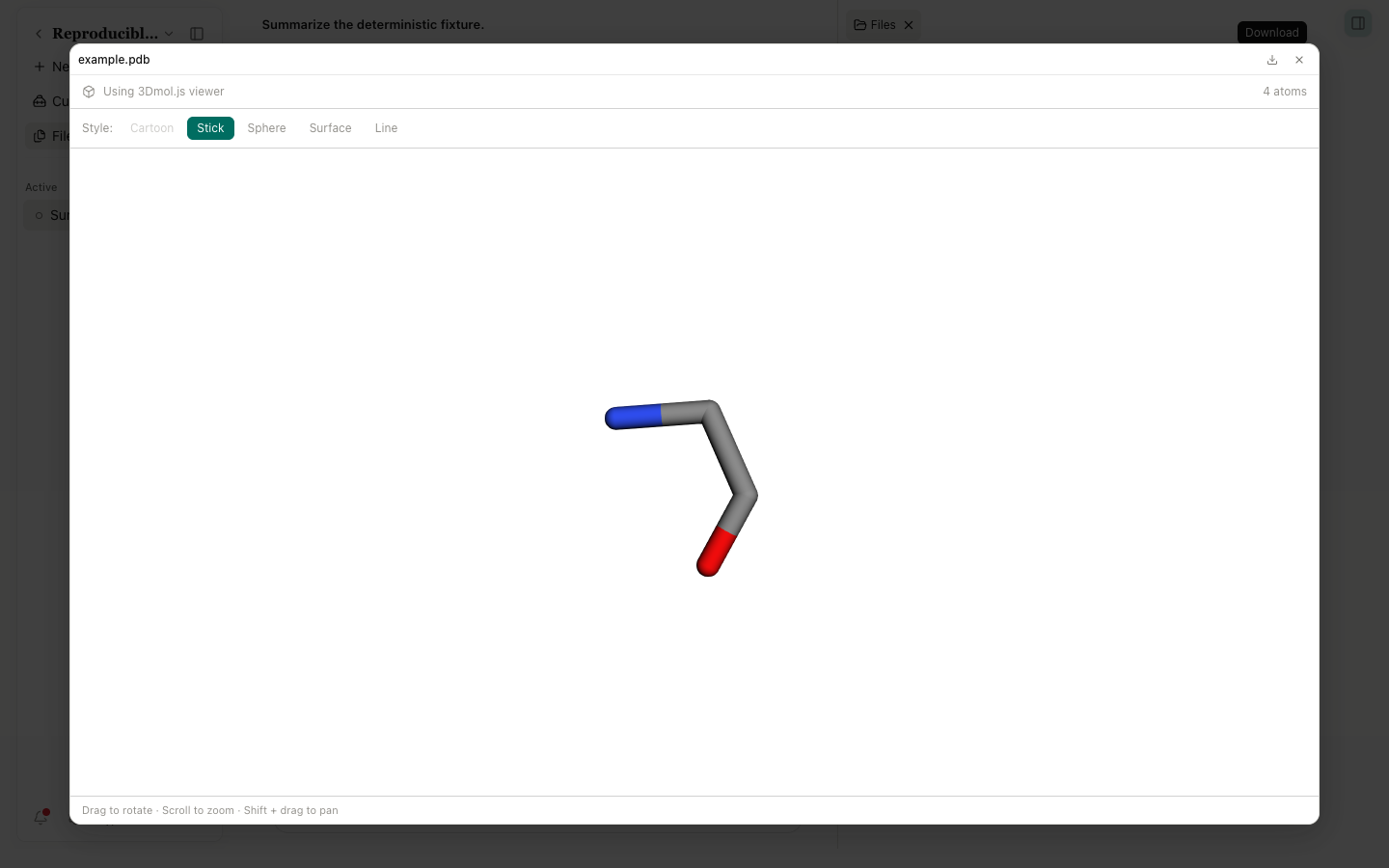
PDB files use a 3Dmol view. Drag to rotate, use the wheel to zoom, and hold Shift while dragging to pan. Cartoon, Stick, Sphere, Surface, and Line change the representation. Cartoon can be unavailable when the structure lacks usable secondary-structure data. The repository also defines other molecular formats; a parse failure falls back to a text or download message.
Preview families
| Preview family | Common formats | Main actions |
|---|---|---|
| Code and text | .py, .r, .js, .ts, .txt, and others | Line numbers, syntax colors, copy, download |
| CSV | .csv | Read rows and columns, scroll, download |
| Markdown, JSON, HTML | .md, .json, .html | Rendered or structured view |
| Images and TIFF | PNG, JPEG, GIF, WebP, TIFF | Zoom and pan; TIFF uses a dedicated worker and thumbnail path |
.pdf | Page thumbnails, paging, zoom, download | |
| Office | DOCX, XLSX, PPTX, and related formats | Managed Office renderer with fallback actions |
| Biological sequence | FASTA and related names | Sequence-oriented view |
| Molecule and structure | PDB and supported molecule formats | 3D rotation, zoom, representation controls |
| Unknown | Other binary or oversized files | Fallback information and download |
Modal and split-view controls
A modal header can contain Download, status, File actions, Full screen, and Close. Split-view tabs also show artifact v1, v2, and later versions. Previous/Next Artifact version changes version; Full screen only changes the layout and doesn't create a new version.
Record both the file name and artifact version when citing a research result. Two files with the same name can contain different data. The immutable provenance version ID is the reproducible reference.