Permissions, Plans, and Activity
Open Science turns agent requests into visible events. A permission request waits for the current user, a plan can receive approval or feedback, and tool activity can be opened for inspection. A waiting state never appears as an ordinary completion.
Permission requests
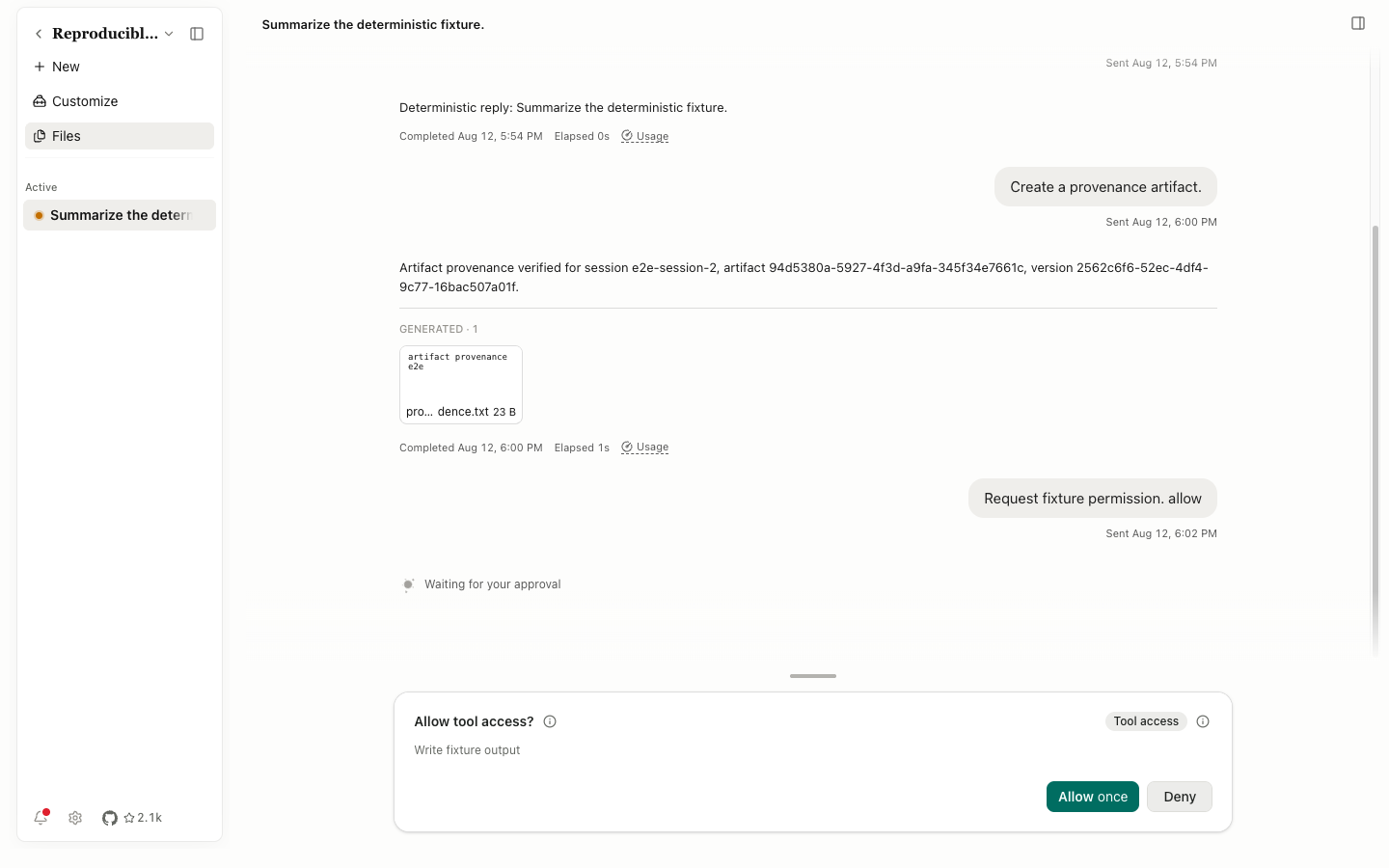
The request panel shows its title, Tool access or impact type, exact action, and source. The session state in the sidebar changes to Waiting for permission at the same time.
| Control | Result |
|---|---|
Permission impact information | Explain the impact level |
Permission information | Show tool and scope details |
Allow once | Approve only this request; the same tool asks again next time |
Deny | Reject this request; the agent receives the denial and can propose another approach |
Resize permission panel | Change the height of the approval area |
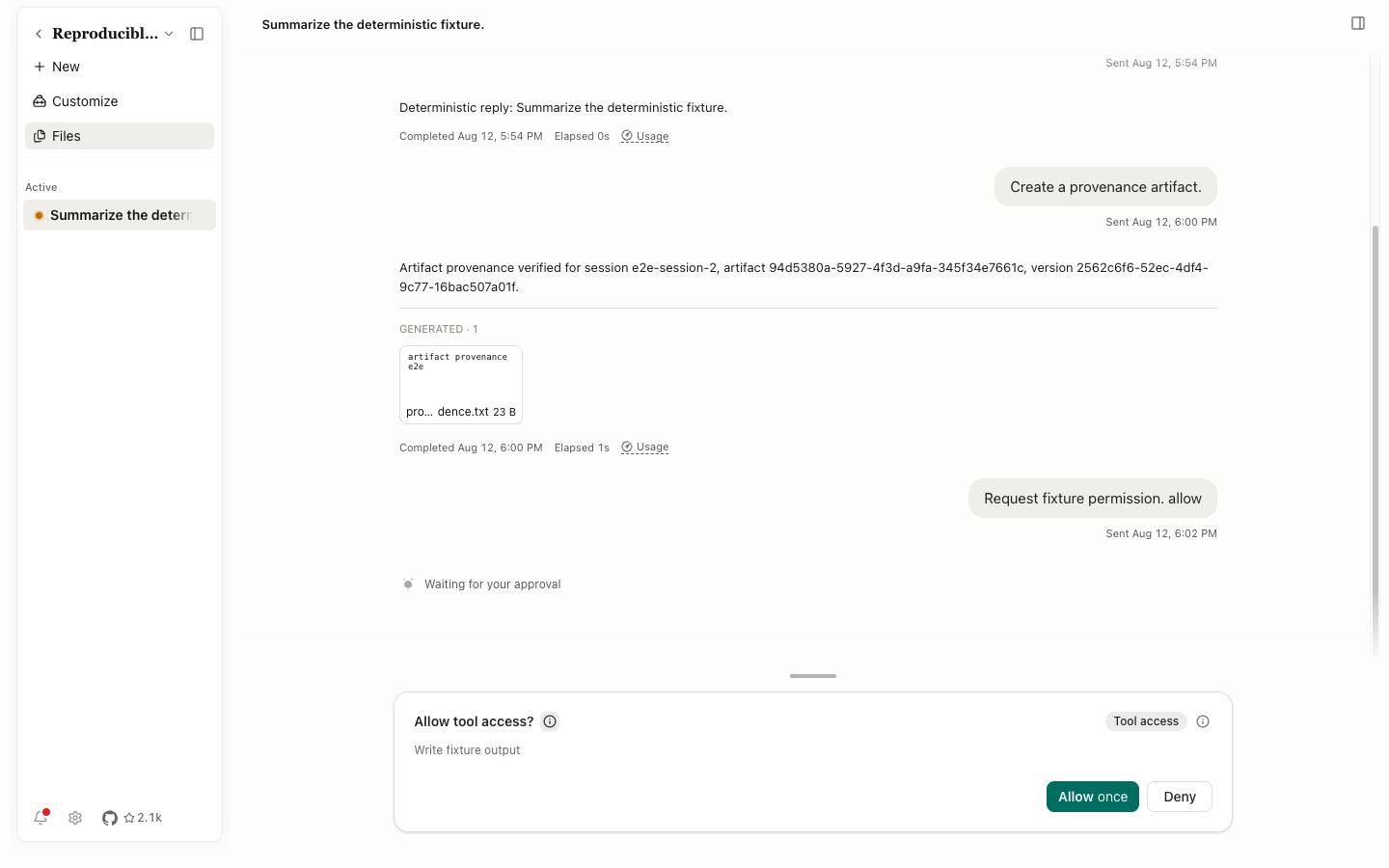
If a subagent makes the request, the panel reports its identity and the number of pending subagent requests. A broad Project or Global grant opens another scope confirmation. Read the target path, host, and command before accepting it.
Plan first
With Plan first, the agent produces a structured plan before execution. The plan panel lists steps and progress. Approve it, submit changes, or cancel it. As tools finish, the progress state changes; after a branch switch, the panel shows only the active branch's plan.
Activity rows
- Tool activity: tool name, state, and parameter summary. Select it for full parameters and output.
- Code and shell: numbered input, copy control, stdout or stderr, and exit state.
- Diff: added and removed lines. Check both path and scope.
- Web search: query, results, and visit state.
- Context compaction: a visible record of when conversational context was compressed.
- Handoff and Subagent: delegation, progress, return, and release states.
- Elicitation: a structured agent question that you can answer or cancel.
A safe approval order
- Identify whether the request comes from the main agent, a Specialist, or a subagent.
- Check the tool, target file or directory, remote host, and command arguments.
- Decide whether the action can be reversed. Deletion, migration, overwrite, and external writes need more care.
- Prefer
Allow once. Increase the scope only for repeated work with stable boundaries. - If the description doesn't match the parameters, select
Denyand ask the agent to explain or revise the action.