Compute and Network
Compute
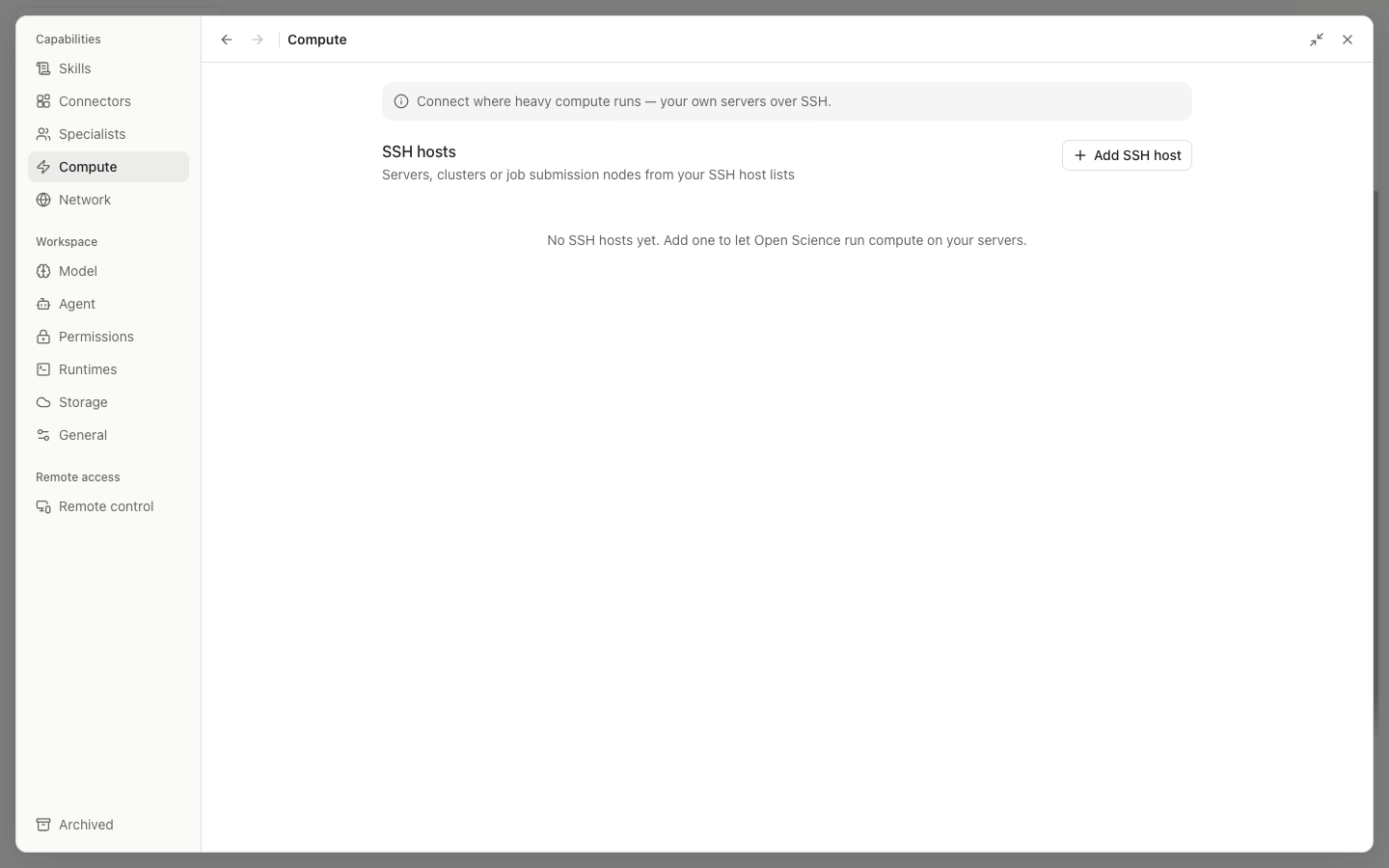
Compute manages local and remote SSH hosts. The list shows status, resources, and default or enabled state. Add host opens the connection form, a host card opens its details, and the switch determines whether the agent may select it.
The Add form usually includes Display name, Host, Port, Username, authentication or SSH configuration, and a trust confirmation. Saving starts a probe; choose Retry probe if it fails. Do not paste private-key contents into an ordinary description field. Prefer the system SSH configuration or SSH agent.
Host detail provides:
Resources: detected CPU, memory, GPU, scheduler, and related information.Details: inspect, edit, copy, or delete the connection configuration.Scratch root: choose Edit, enter the remote temporary work directory inScratch root path, then Save or Cancel.Concurrent job limit: choose Edit, enter a positive integer that limits concurrent jobs on this host, then Save or Cancel.- Probe/Refresh: detect online status and resources again.
- Remove/Delete: remove the configuration after confirmation; remote files on the host are not deleted.
When an agent asks to execute remotely, Compute shows an approval request with Deny, Allow once, Allow for session, project, and global options. Project and global scopes need an extra confirmation. Long jobs can be submitted and tracked; Open Science can then harvest their results into the project.
Network
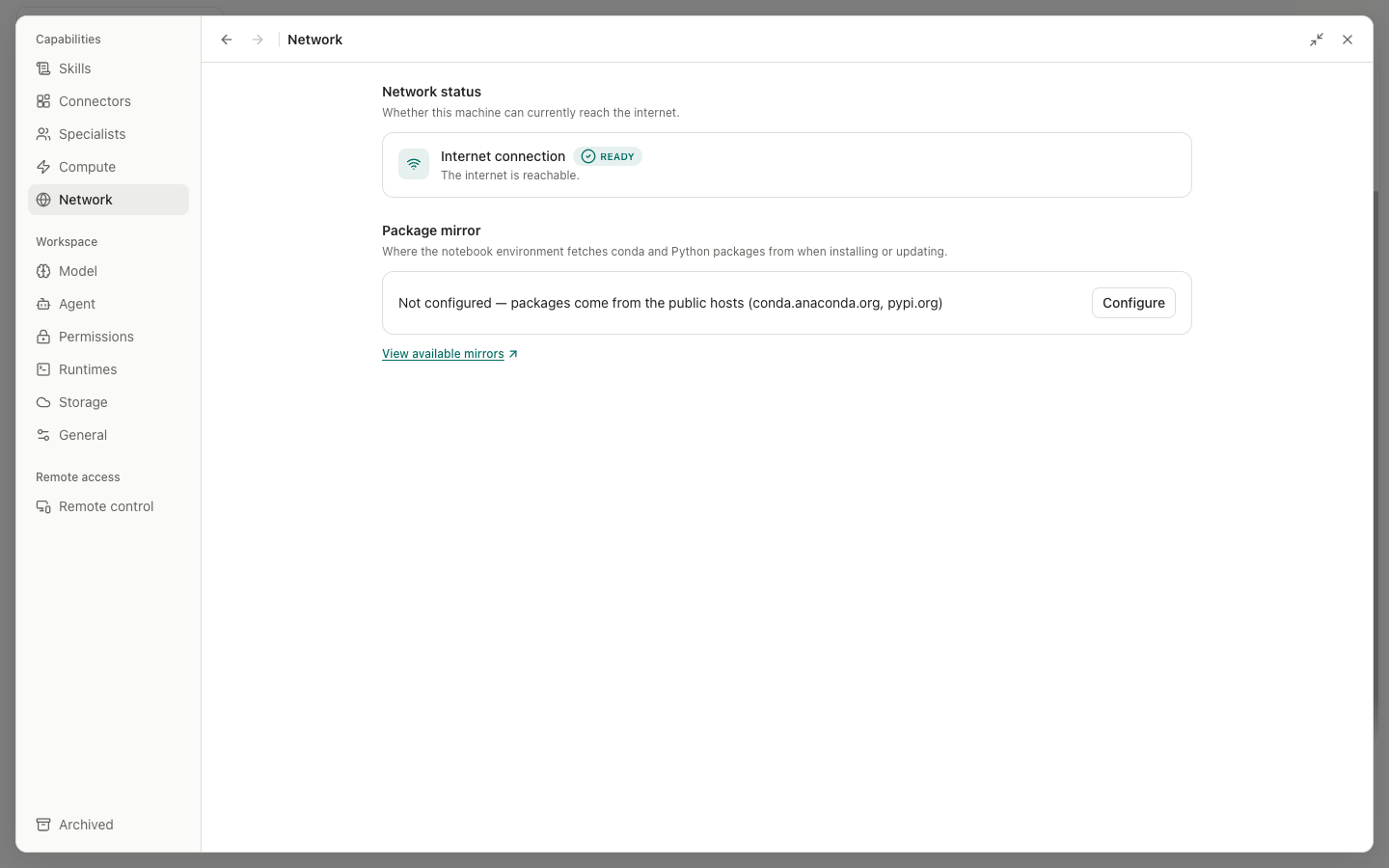
Network status combines the local link state with an end-to-end probe. It reports Checking, reachable, unreachable, or offline. If the check fails, use Check again and inspect Wi-Fi or Ethernet, the proxy or VPN, the firewall, and package mirrors.
Package mirror
Configure or Edit opens these inputs:
| Input | Example or purpose |
|---|---|
Conda channel mirror | The root URL for a Conda-forge mirror |
Python package index (pip) | A pip index URL ending in /simple |
CA bundle path | An optional PEM file trusted by Conda, pip, and R behind a corporate TLS proxy |
Cancel discards the draft, Save stores it, and View available mirrors opens help. Mirrors affect package downloads only; they are not general Provider proxies. An incorrect mirror can cause runtime or package installation to fail.