Remote control and Archived
Remote control
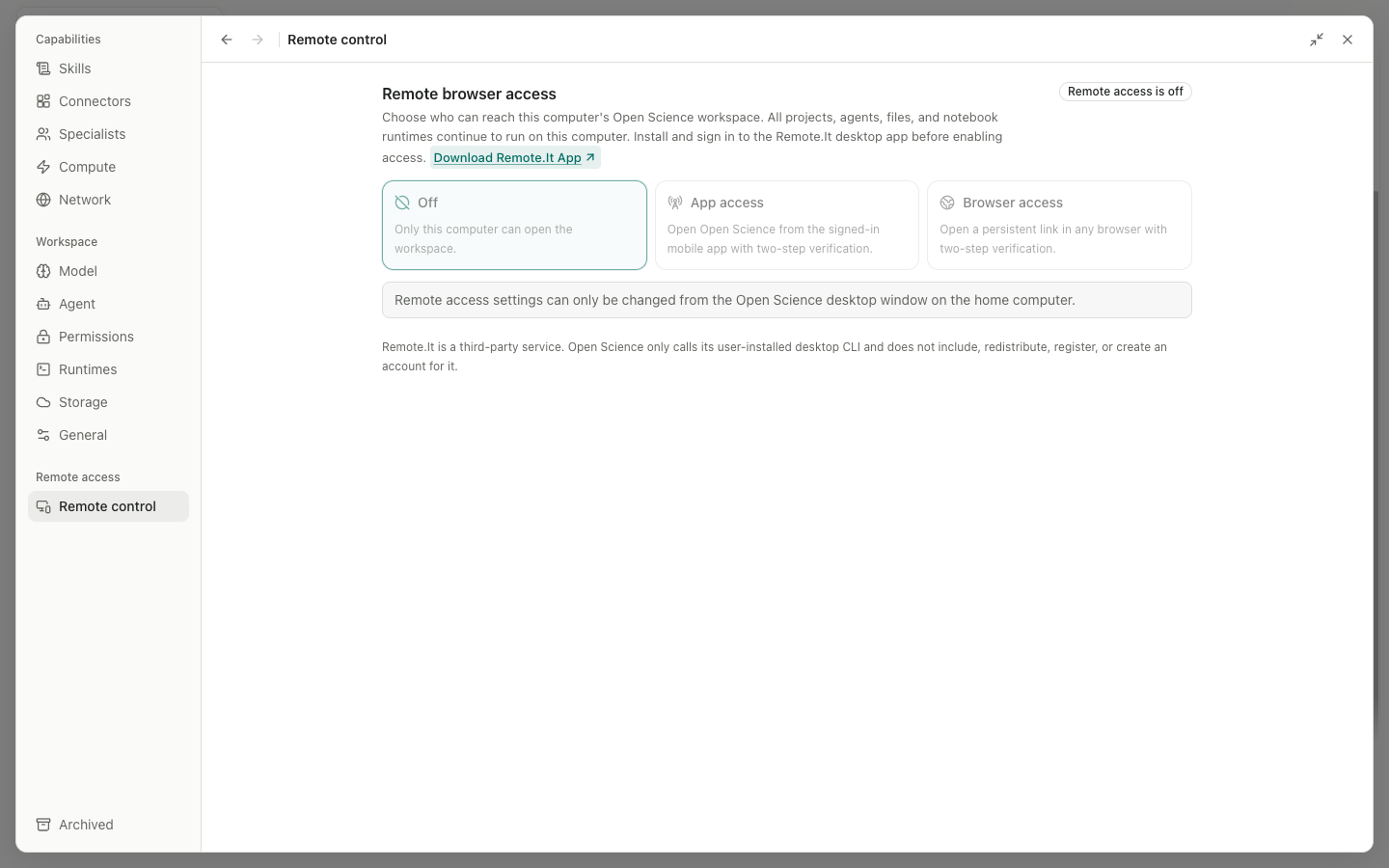
Remote control lets a browser connect to the running Open Science application. A short-lived token or pairing step and the local process protect the entry point; this feature does not publish the entire data directory as a public website.
Main areas and controls:
- Local/Browser access status: Start, Stop, or Refresh appears according to the current state.
Browser link is ready:Copycopies the access URL andOpenopens it in a browser. TheScan to openQR code connects another device.- Access steps: keep the desktop application running, confirm that the network or service is reachable, and complete pairing on a new device.
- Remote.It: detects a desktop CLI that the user installed separately and offers Setup, Retry, or Disconnect. Open Science neither bundles it nor registers a third-party account.
Trusted browsers: shows browser, platform, and Last used.Revoke <browser>invalidates its next request or WebSocket reconnection.Pairing requests (n): verify the browser, platform, address, and six-digit code, then chooseReject,Allow once, orAlways trust this browser.
Do not share an access URL containing a token in a public channel. Permanently trust only devices you control. If a device is lost, revoke it immediately and stop or recreate the remote entry point.
Archived
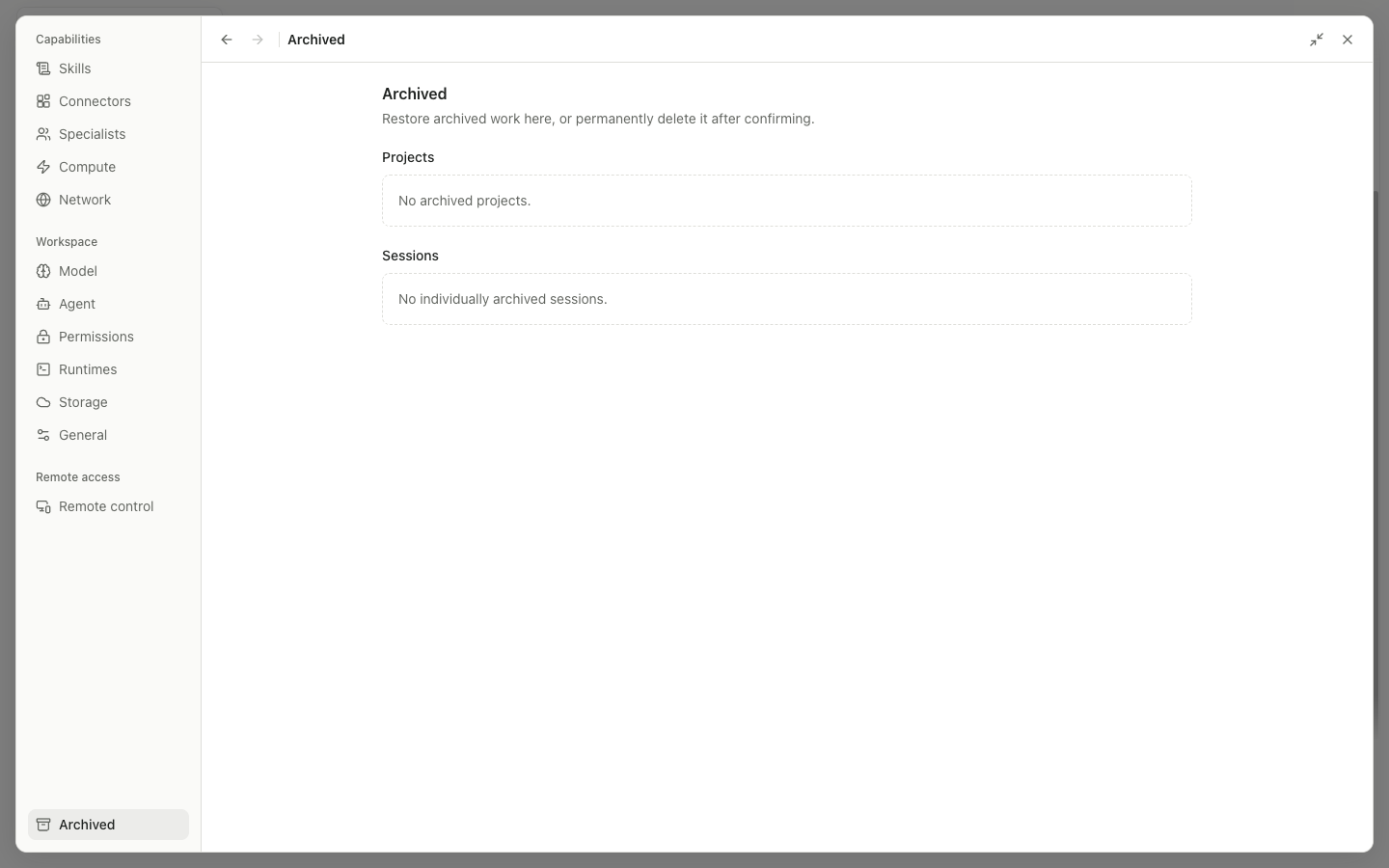
Archived separates Projects from individually archived Sessions. A project row shows the archive time and Manage; its detail view lists the project's Sessions.
| Control | Behavior |
|---|---|
Project row/Manage | Open the archived project details |
Restore project | Restore the project and make its project-hidden sessions visible again |
Delete project | Permanently delete the project and related session records after confirmation |
Session Restore | Restore an individually archived session; disabled until its archived project is restored |
Session Delete | Permanently delete the session after confirmation |
Archiving organizes records; deletion cannot be undone. The deletion dialog shows the target name or session count. Download needed artifacts and Notebooks before confirming.