Specialists
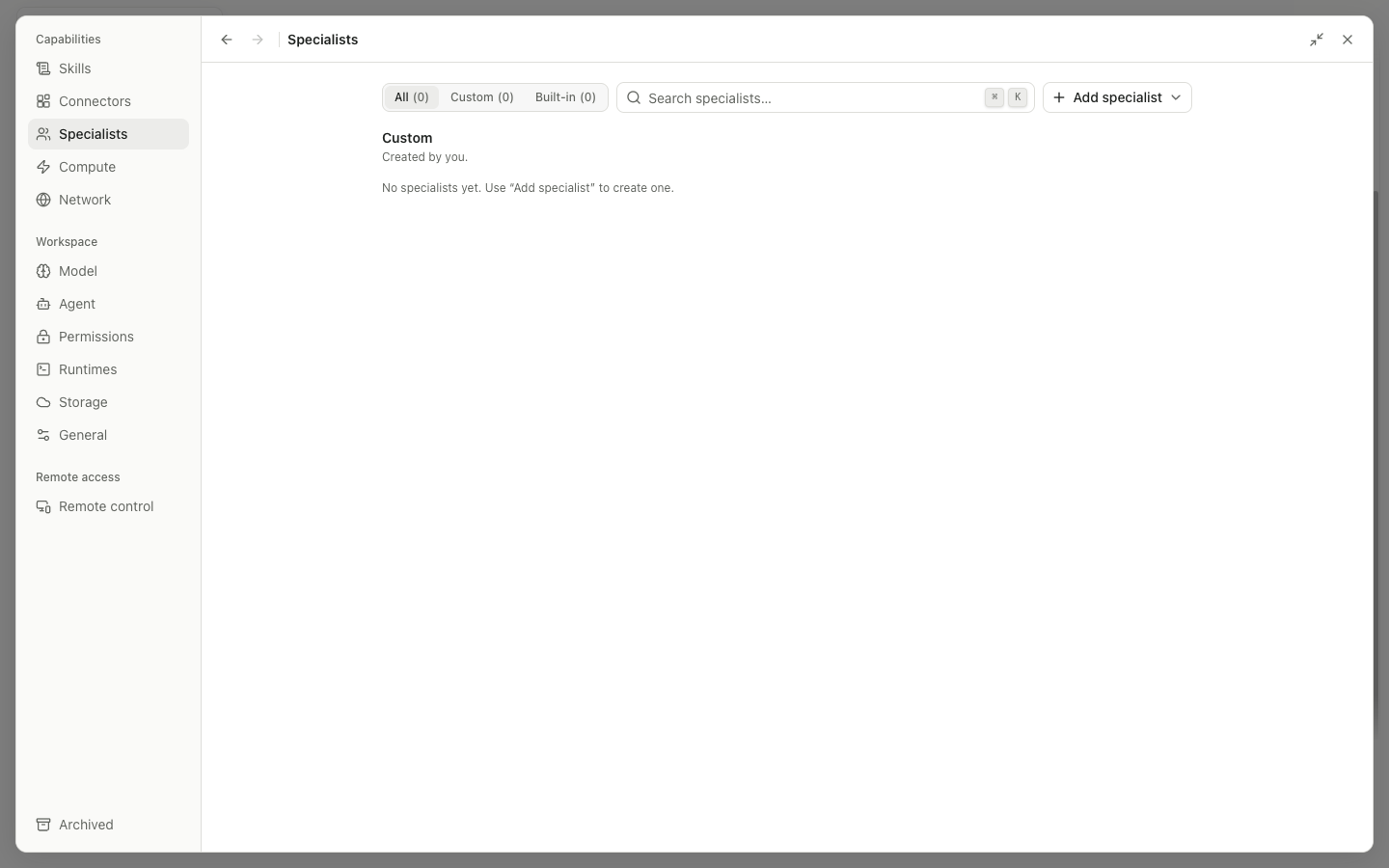
A Specialist is a reusable expert role made from Identity, Instructions, and Capabilities. The main agent can select it, and it can take part in delegation, but it cannot bypass user permissions.
List and entry points
Filter specialists by categoryandSearch specialistsnarrow the list.- Select a card to open its details; use the switch to enable or disable it.
Actions for <name>provides applicable operations such as Edit, Export, Duplicate, and Remove.- The Add menu can create a Personal Specialist or
Import a Specialist package.
Specialist Editor
| Area or input | Purpose |
|---|---|
| Identity → icon/color | The visual identity used in selectors, messages, and subagent rows |
| Name | A distinct, clear name such as RNA-seq Reviewer |
| Description | A short description for the list and picker |
| Instructions | Additional domain goals, process, and boundaries; the base prompt applies when this is blank |
Full access | Permit all available capabilities; enable with care |
Capability type | Select a capability set such as Skills or Connectors |
Search skills to add | Find and add a specific Skill |
Search connectors to add | Find and add a specific Connector |
Enable select capabilities | Use an explicit selection instead of all capabilities |
Cancel discards unsaved edits. Save or Create writes the changes. If a Revision conflict appears, load the latest version or resolve the conflict deliberately.
Import and export
After you select a Specialist ZIP, Import shows the package preview, Skills, Archive limits, and Diagnostics. Select ZIP, reselect, Cancel, and Import control the process. Export can package the Specialist configuration and approved resources. Secrets and machine-specific credentials must not be included in a shared package. Before deletion, the application shows references to the Specialist and the effect of removing it; you may need to switch away from an active Specialist first.