Retrieve structured records from a scientific database
Worked example Seven straight-chain carboxylic acids in PubChem
Start with compound names and finish with a table of verified identifiers and properties. This example retrieves acetic acid through octanoic acid, a seven-member homologous series with two to eight carbon atoms. The source records remain available alongside the table so that you can check how each value was obtained.
1. Define the compounds and properties
In Settings → Connectors, make sure Chemistry is available. Open a project, start a conversation and select a connected model. This run used Open-Science 0.30.1 and the Chemistry/PubChem Connector; it did not require an input spreadsheet.
Specify neutral, straight-chain, saturated monocarboxylic acids. A similar name can refer to a branched isomer, a salt or a conjugate base. A formula alone cannot distinguish all those structures.
Use the Chemistry/PubChem Connector to retrieve acetic acid,
propanoic acid, butanoic acid, pentanoic acid, hexanoic acid,
heptanoic acid and octanoic acid. Resolve each name to a PubChem CID.
Retrieve molecular formula, molecular weight, the returned SMILES
and ConnectivitySMILES fields, InChIKey and the PubChem source URL.
Use neutral straight-chain acids, not branched isomers or salts.
Save pubchem-homologs.csv, pubchem-homologs-source.json and
pubchem-homologs-notes.md. Preserve exact lookup inputs and raw
responses. Check seven distinct CIDs, carbon counts 2–8, formulas
CnH2nO2, neutral charge and linear structures. Reopen the files.
Keep all outputs in English and do not delegate.
2. Check the actual database calls
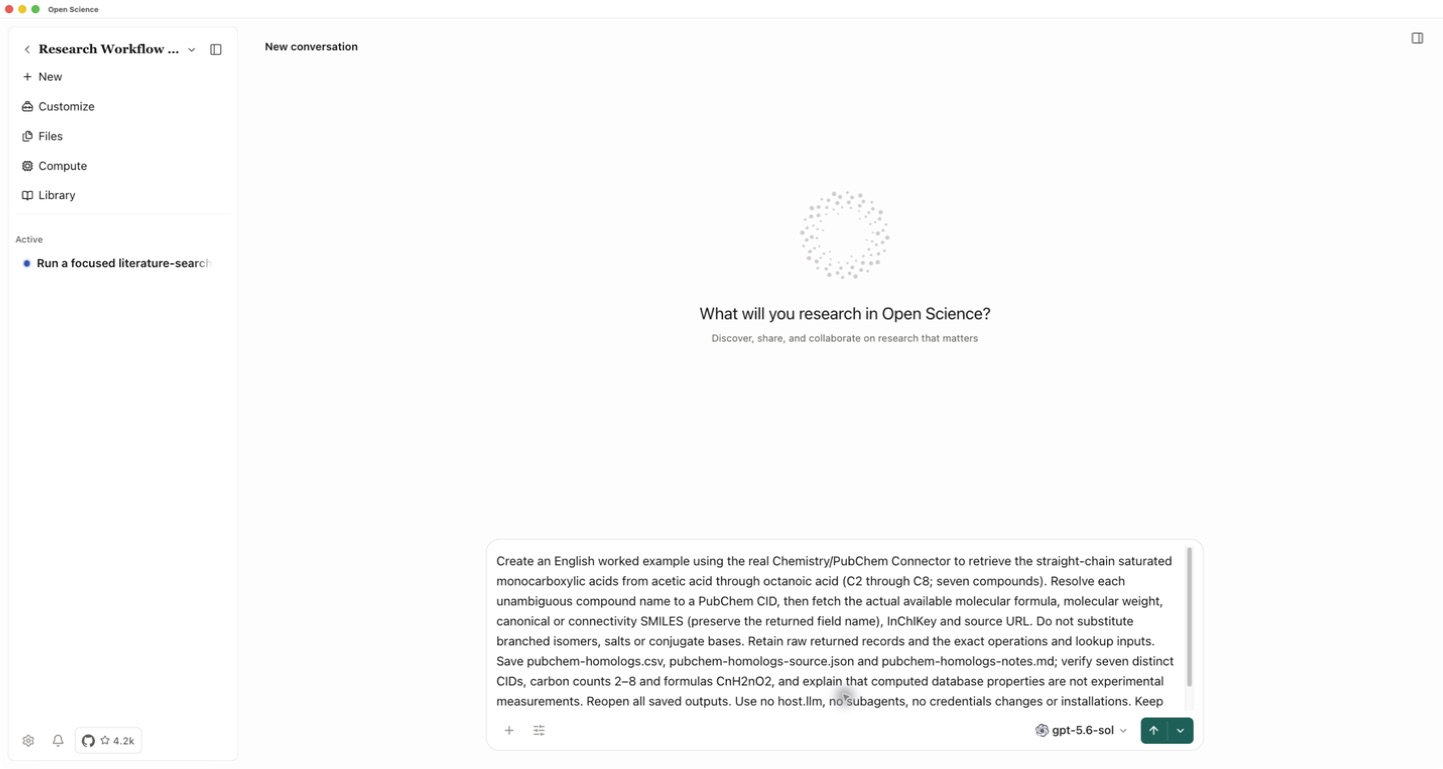
After sending, expand the tool activity or open Notebook. The run resolved seven names with pubchem_search_compounds, then retrieved their records with pubchem_get_compounds. Inspect the returned CID and structure for each name before accepting the row. If a name returns several plausible identities, resolve that ambiguity first.
The example used exact acid names and the first returned CID, then checked the batch properties. This is suitable for these unambiguous names; taking the first hit is not a general identification rule.
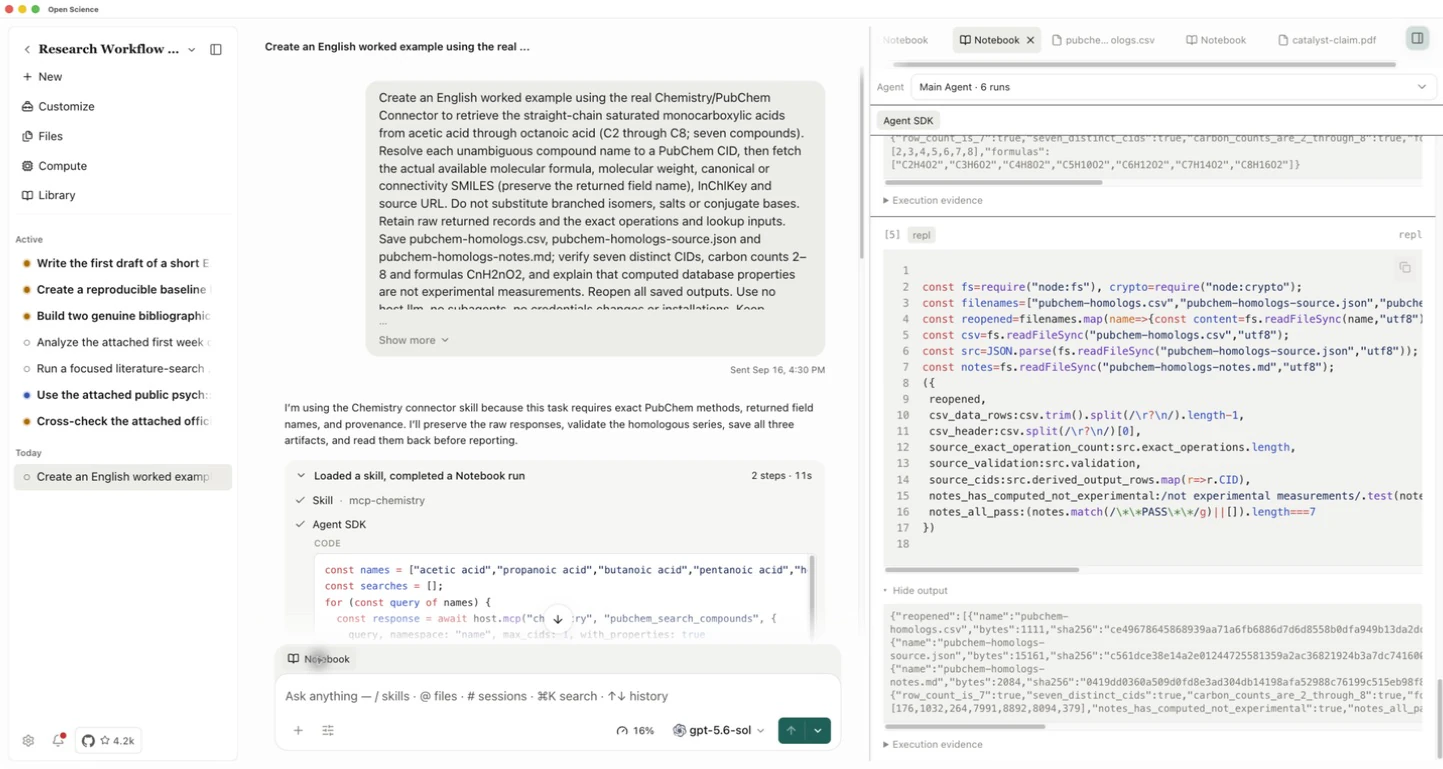
3. Open the saved table
Wait until the response completes and the files appear under Generated. Open pubchem-homologs.csv and enlarge its preview. This run produced 7 rows · 8 columns.
| Compound | PubChem CID | Formula | Molecular weight, g/mol |
|---|---|---|---|
| Acetic acid | 176 | C2H4O2 | 60.05 |
| Propanoic acid | 1032 | C3H6O2 | 74.08 |
| Butanoic acid | 264 | C4H8O2 | 88.11 |
| Pentanoic acid | 7991 | C5H10O2 | 102.13 |
| Hexanoic acid | 8892 | C6H12O2 | 116.16 |
| Heptanoic acid | 8094 | C7H14O2 | 130.18 |
| Octanoic acid | 379 | C8H16O2 | 144.21 |
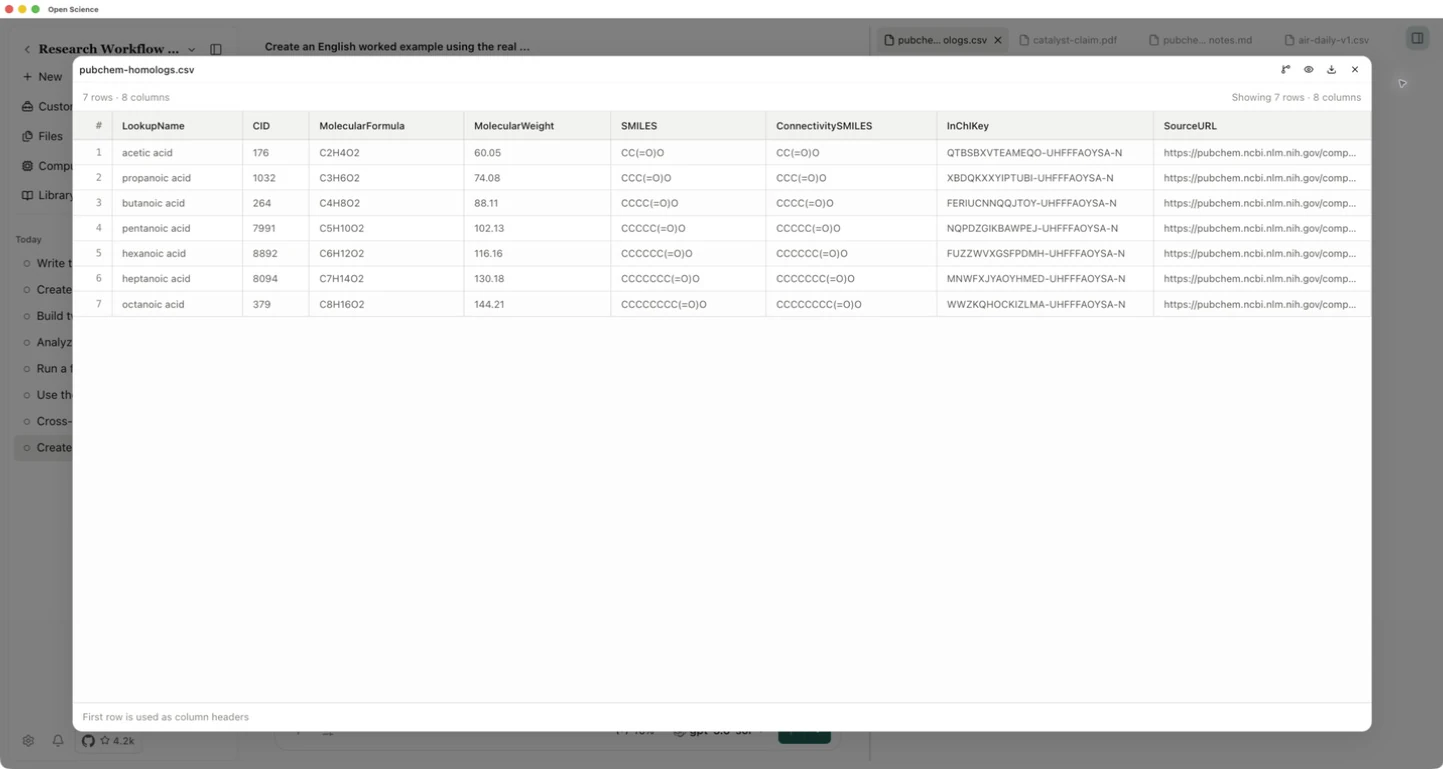
Match rows by CID, not their display order. Check the formula and linear SMILES together. The example retains both returned field names, SMILES and ConnectivitySMILES; their strings happen to match for these compounds. Do not rename one as a different identifier or infer experimental stereochemistry from it.
4. Keep the source records with the export
Open pubchem-homologs-source.json to inspect all eight operations, exact lookup inputs and raw responses. Open pubchem-homologs-notes.md for the procedure and checks. The saved CSV was compared with the raw records; the seven identities, formulas and linear structures agreed.
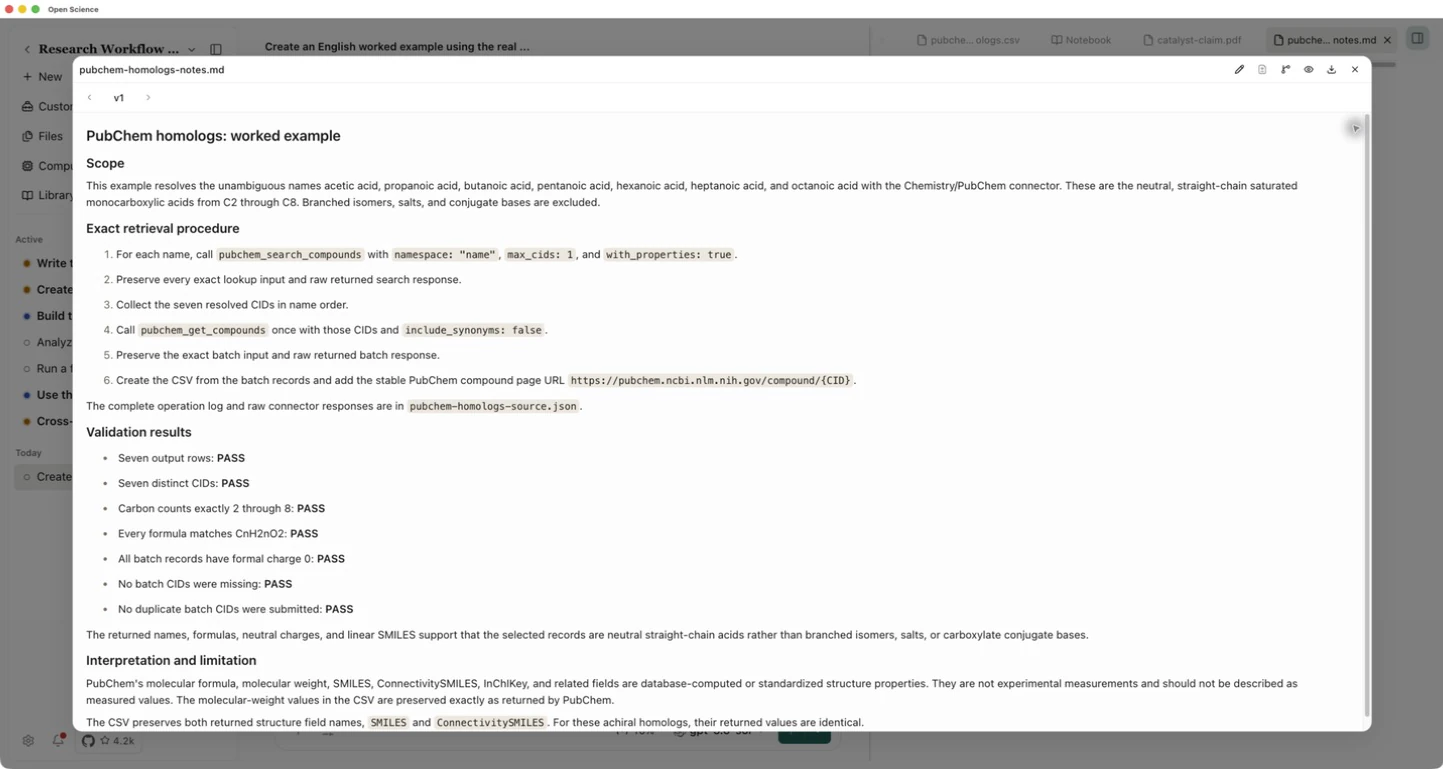
Use the preview's Download button to keep a local copy. For this completed run, download the CSV, source records and notes. PubChem records can change; retain the source snapshot with your analysis.
These are database-computed or standardized properties, not new experimental measurements. Molecular weight is not exact monoisotopic mass, and this table does not establish purity, toxicity or biological activity. To compare conflicting source records, continue with scientific record cross-checking.